GPS Mapper · iOS

Map it. Track it. Keep it.

A mapping app for hikers, explorers, and anyone who wants to chart their own path.

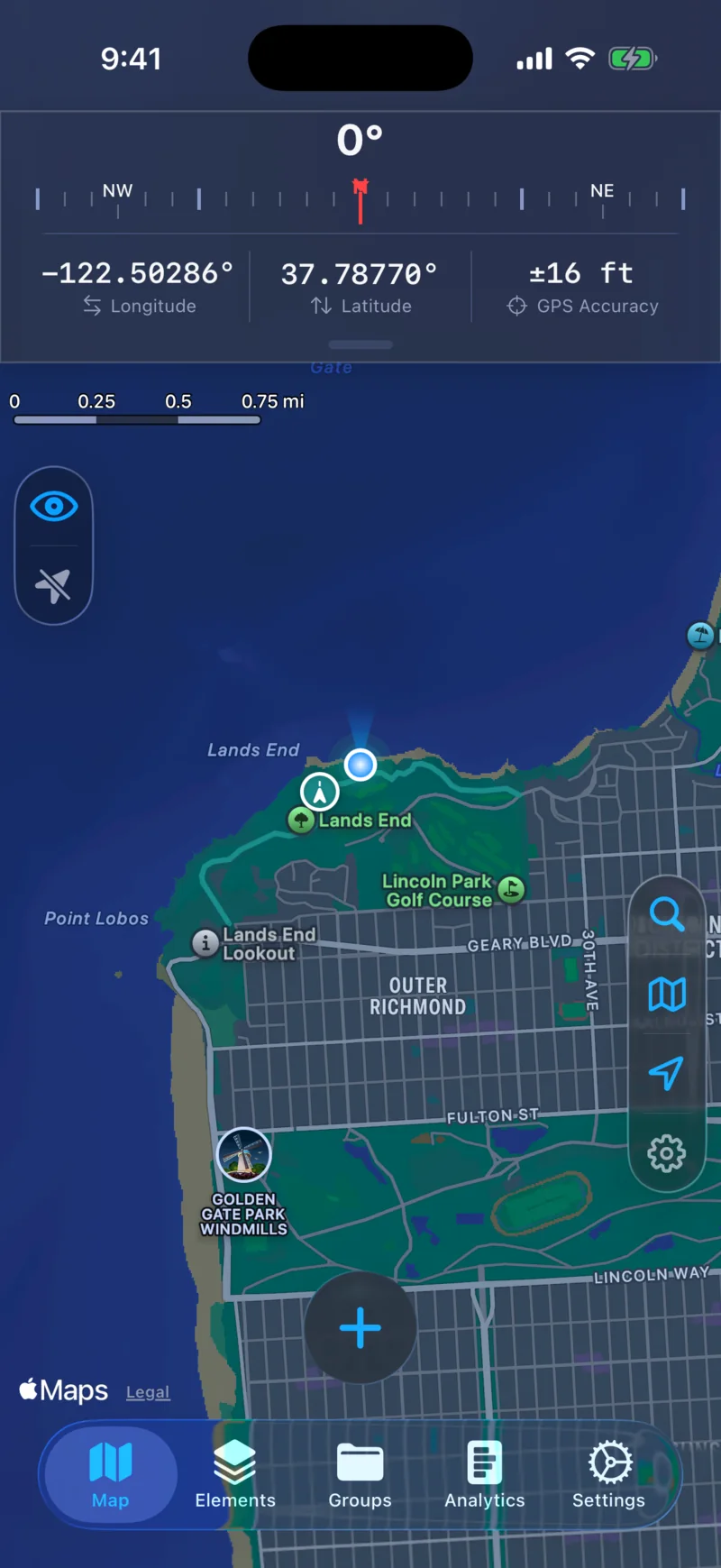
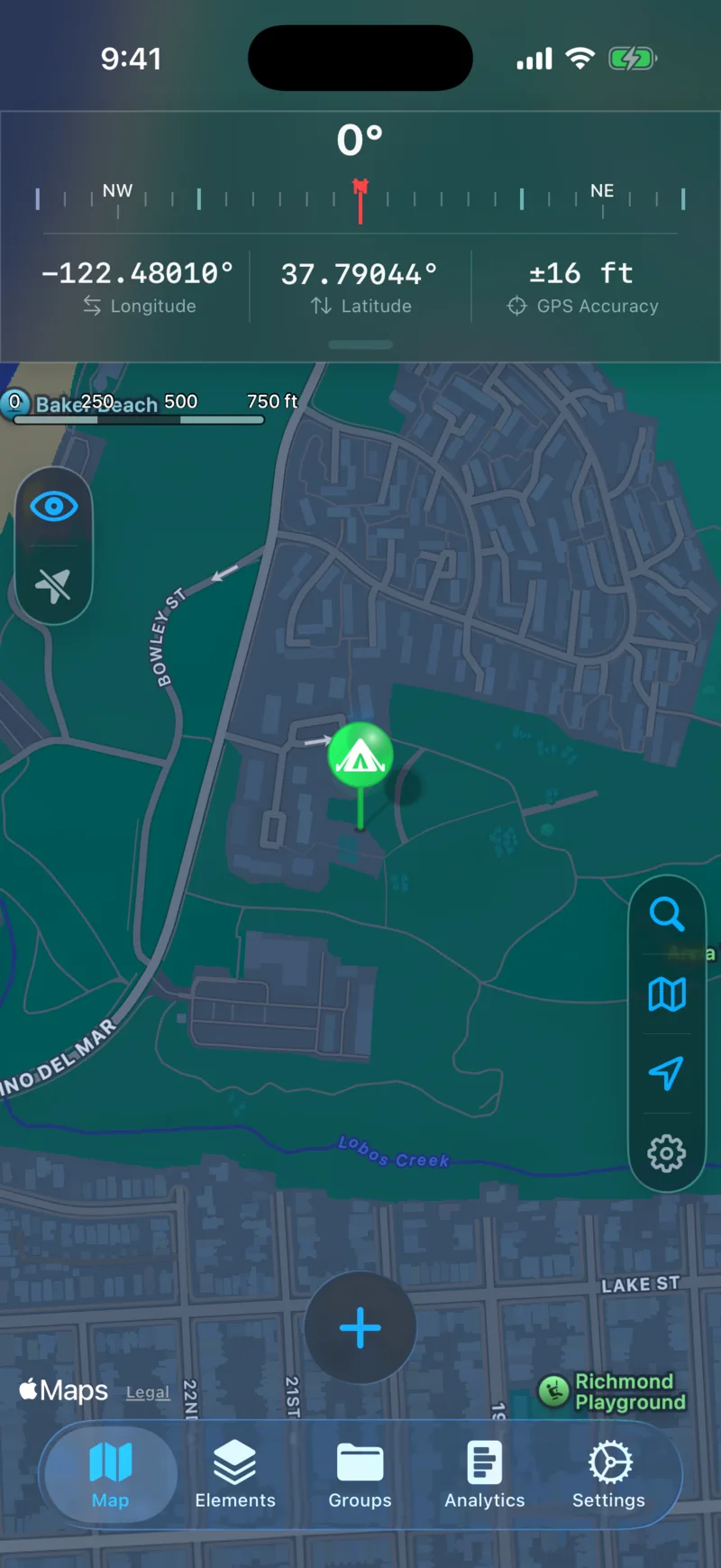
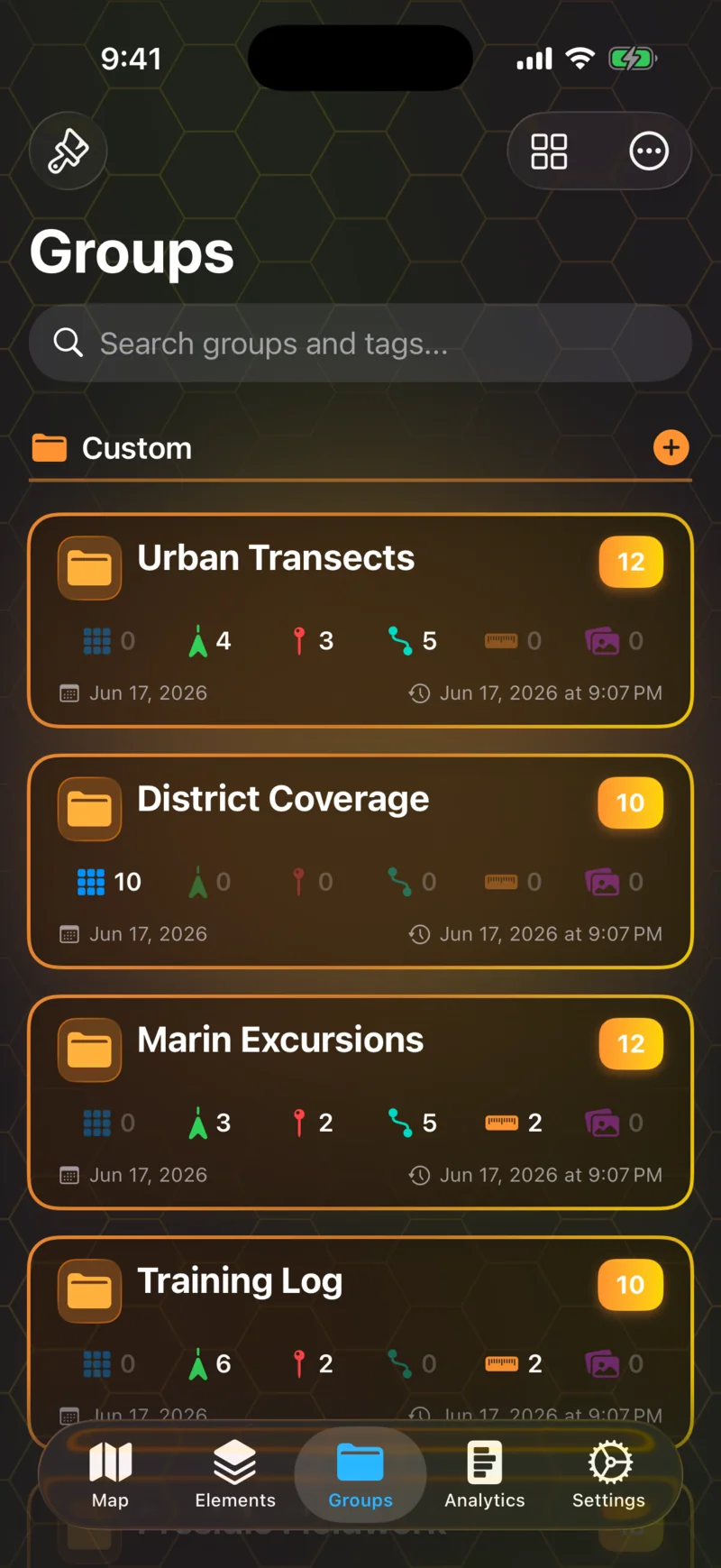
Overlay grids on any area, record trails with a live metrics dashboard, drop custom pins, and keep everything organized with tags and groups. Built for iPhone.

CategoryMapping & Navigation PlatformsiOS PriceFree with Premium LatestVersion 1.0

Built for the kind of person who wants to know exactly where they've been — and what's left to see.

Features

Grid Overlays

Divide any area into cells and track your coverage.

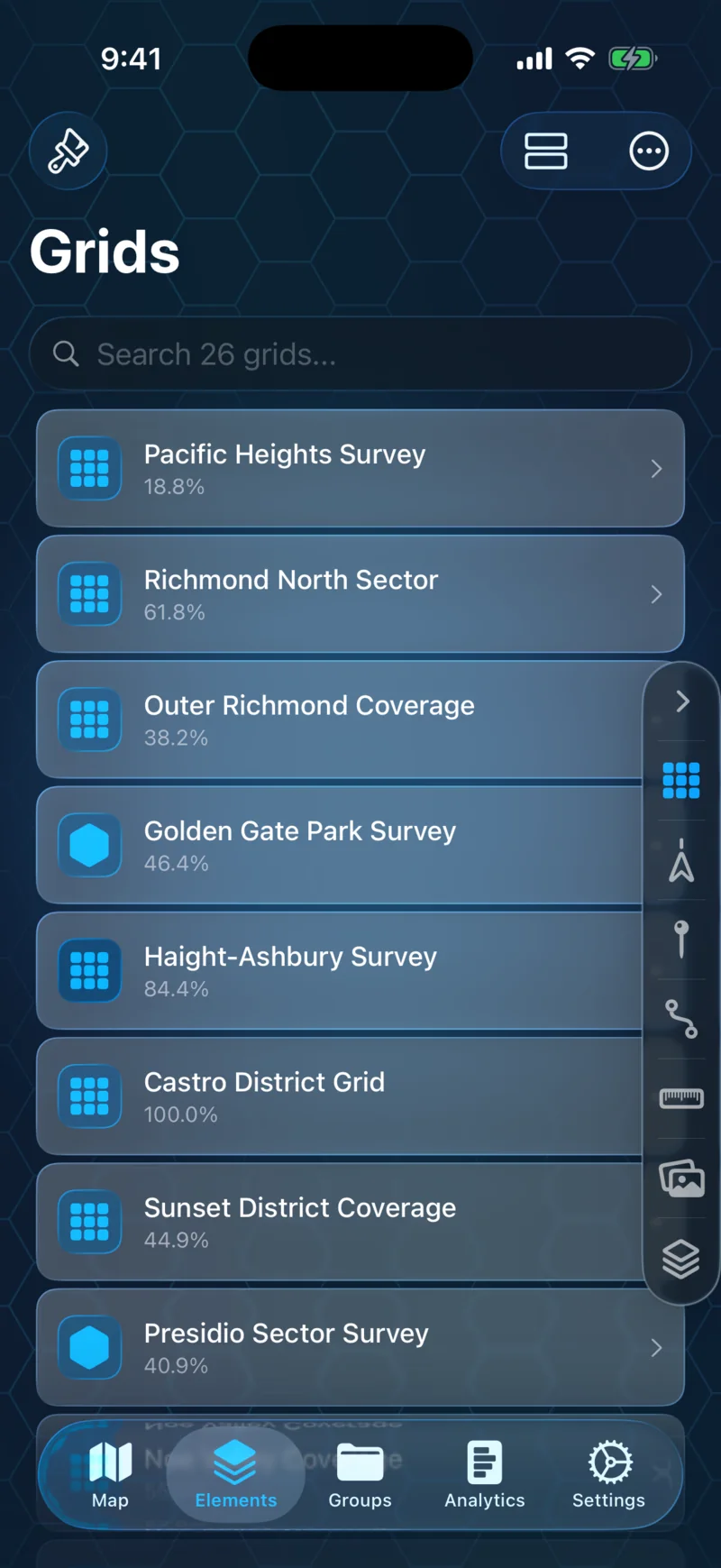
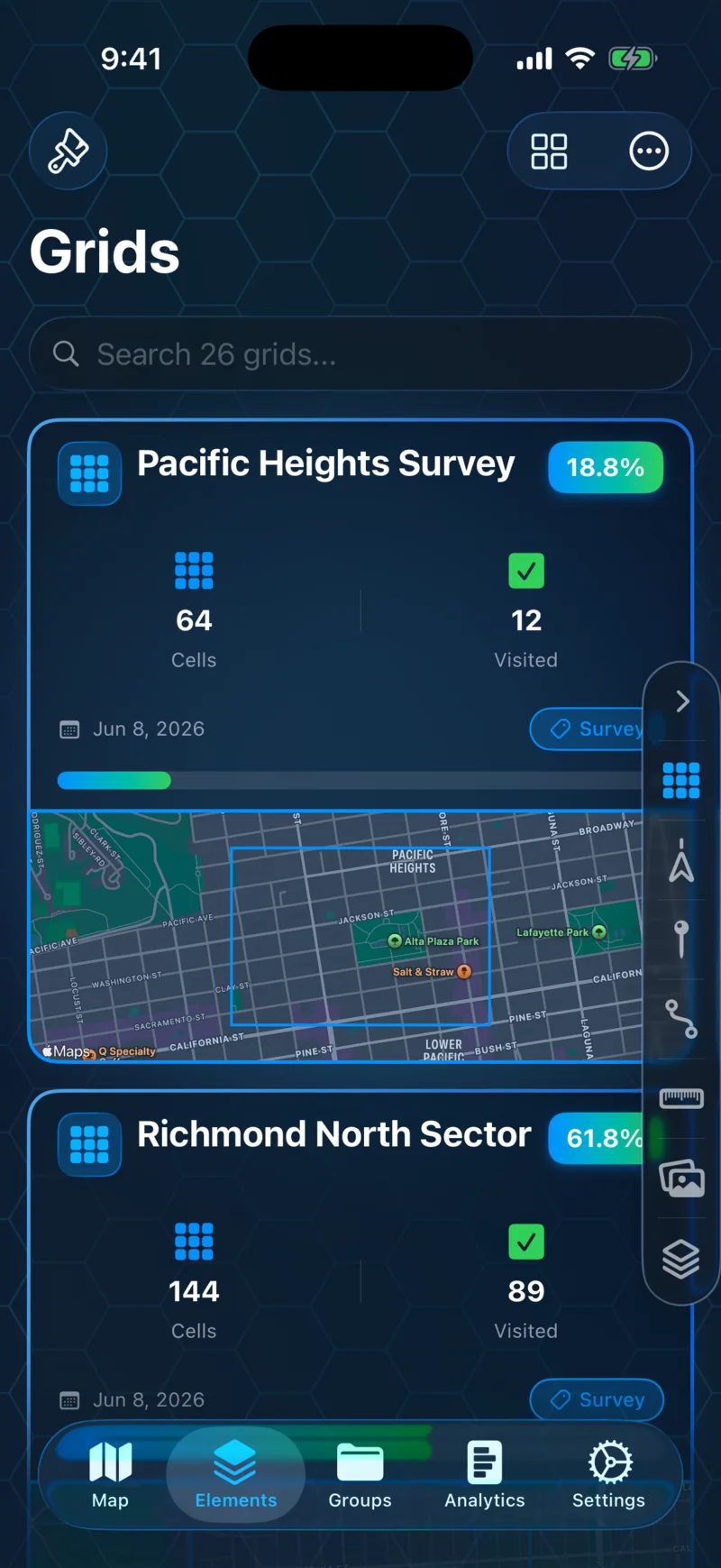
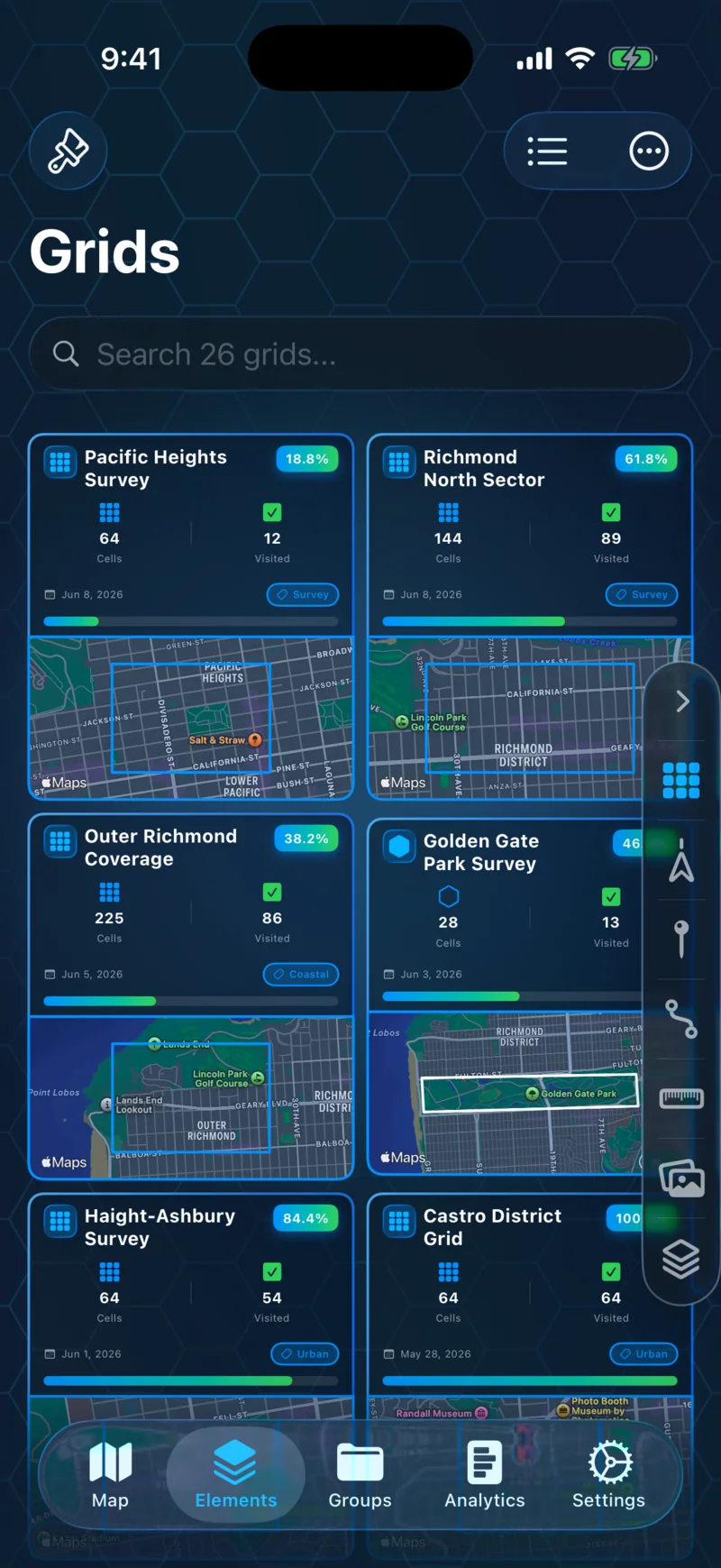
Place rectangular or freeform grids over any region on the map. Cells are tracked automatically as you move — see your completion percentage, activity history, and what's left to cover.
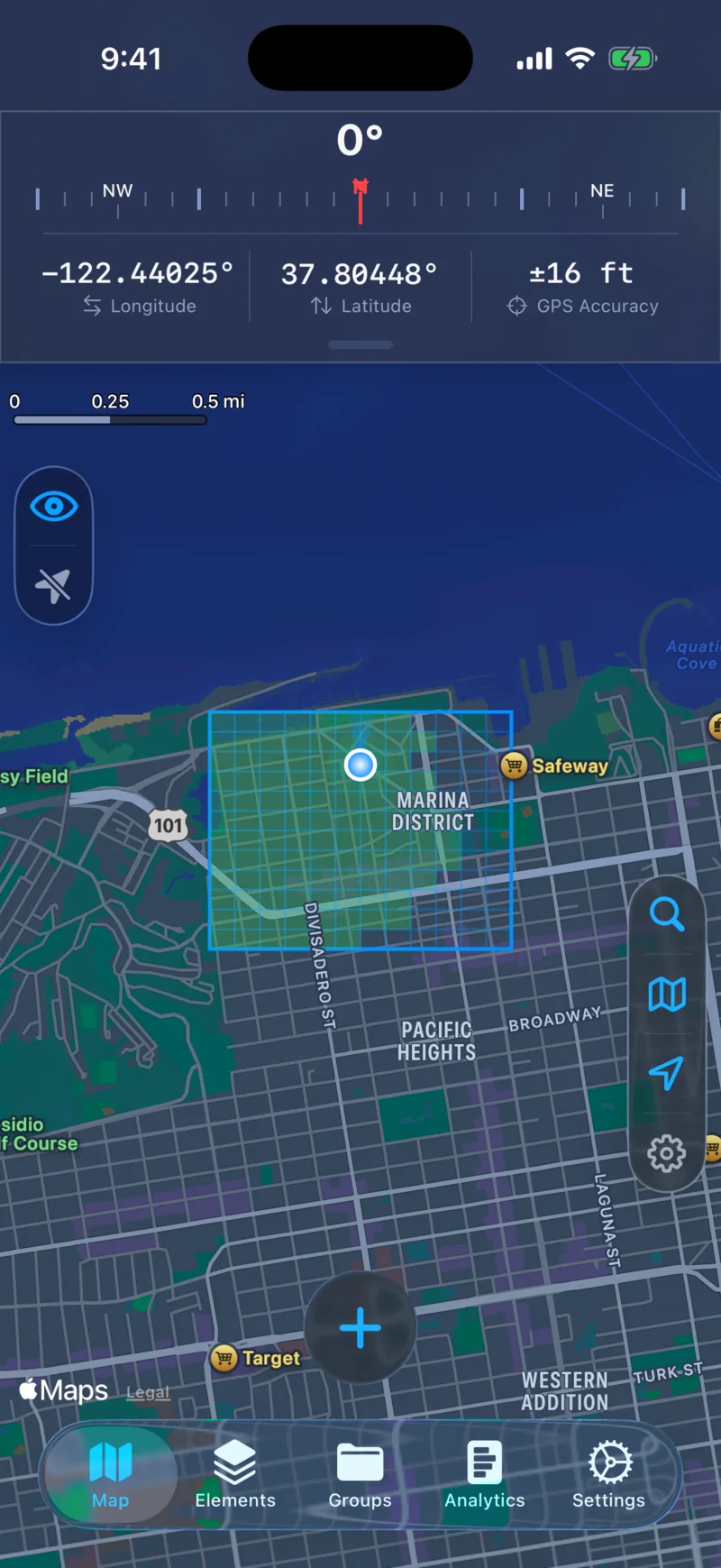
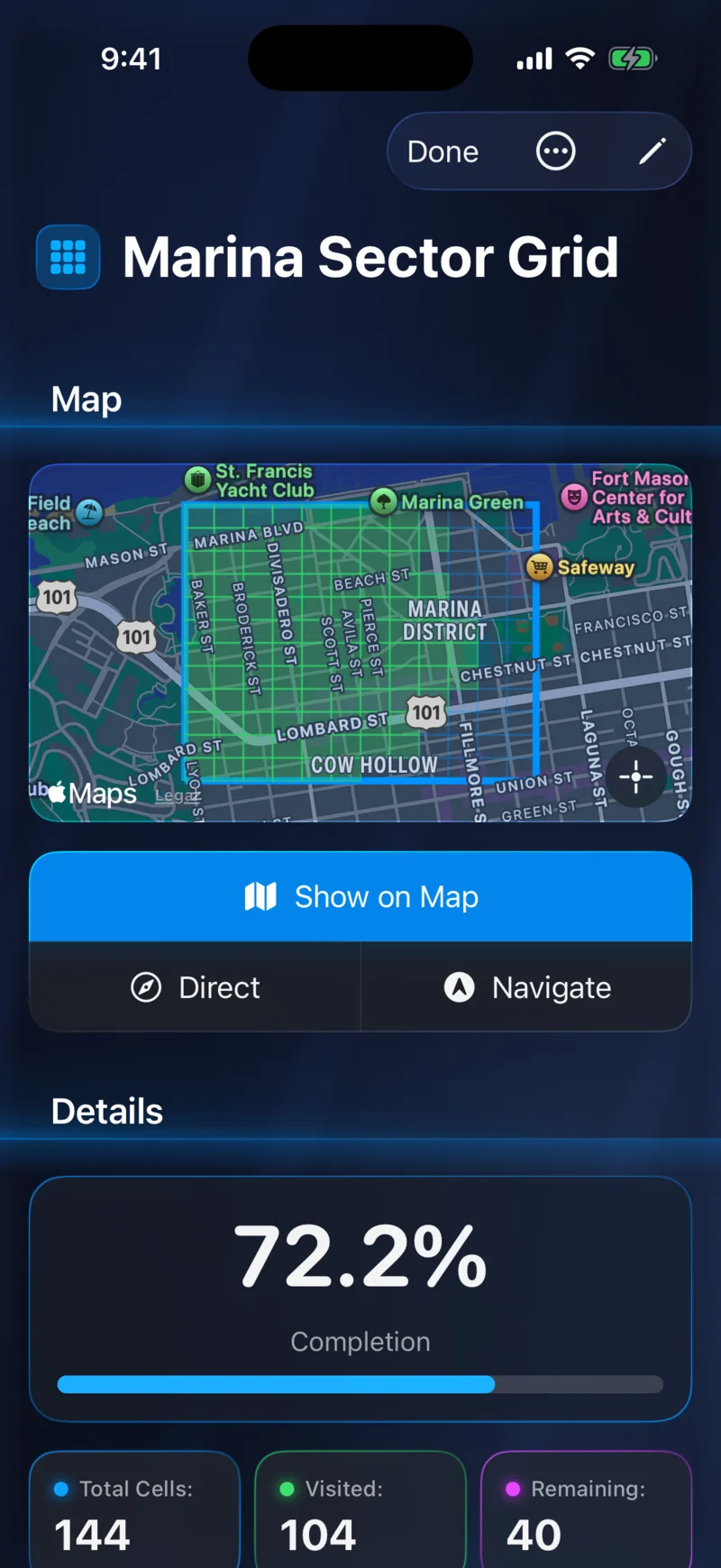
Rectangular Grid
Rectangular Grid
Freeform Grid
Freeform Grid
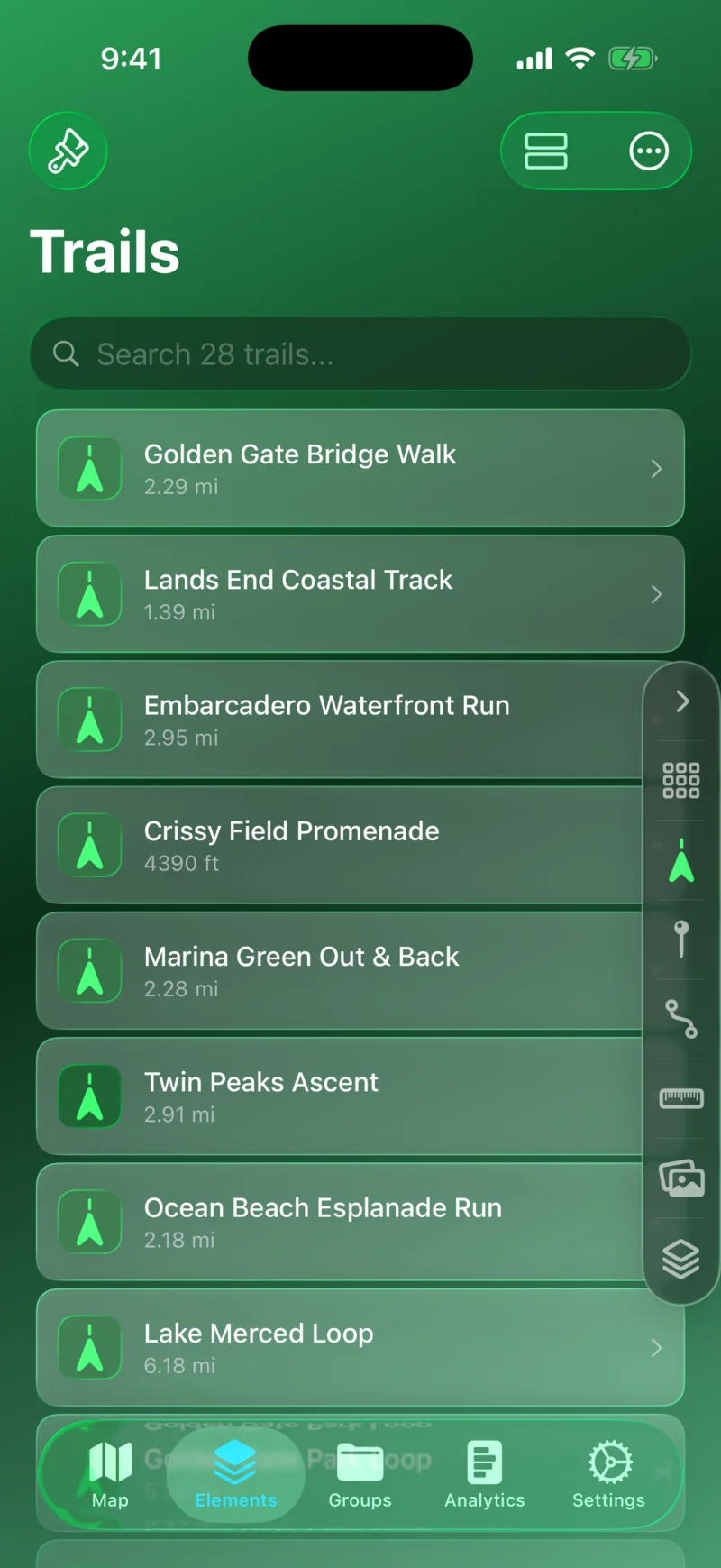
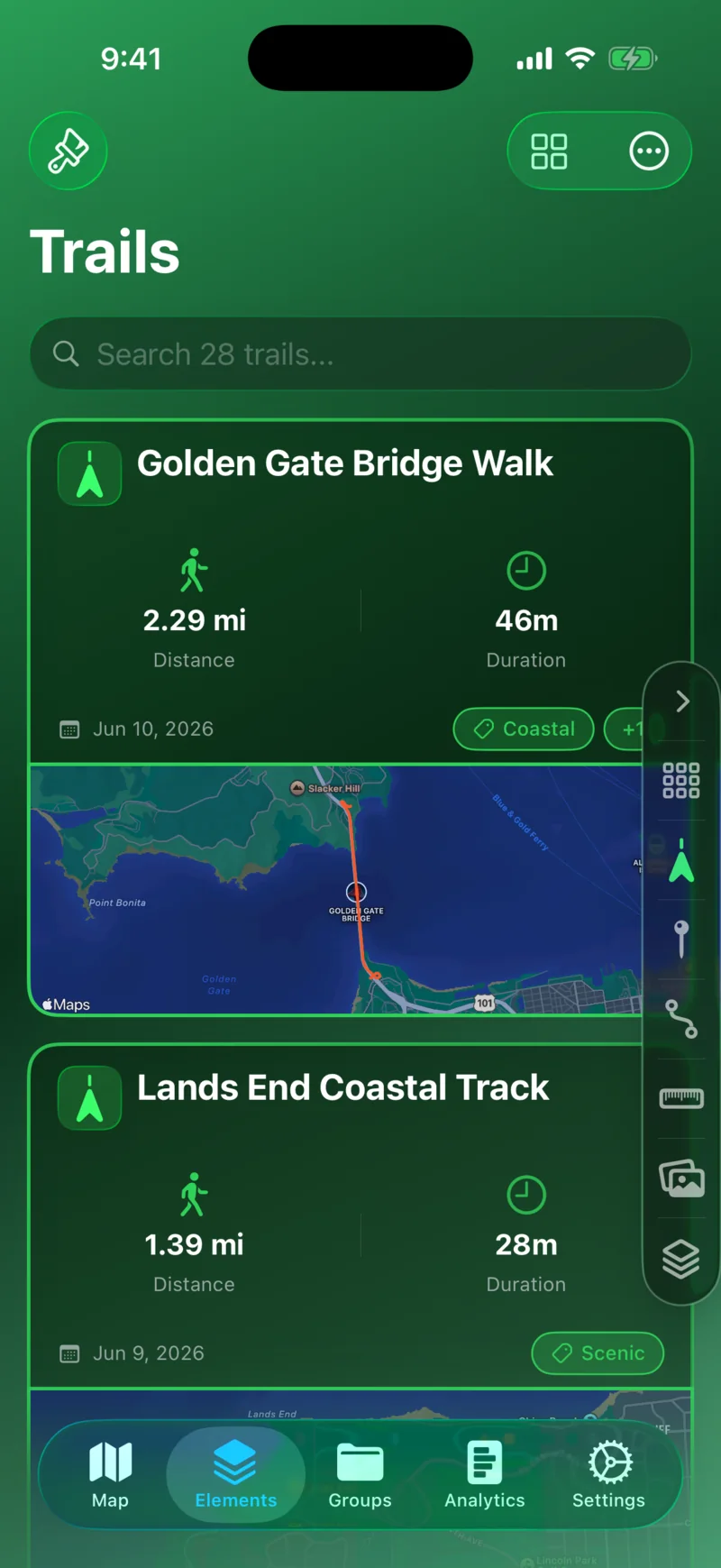
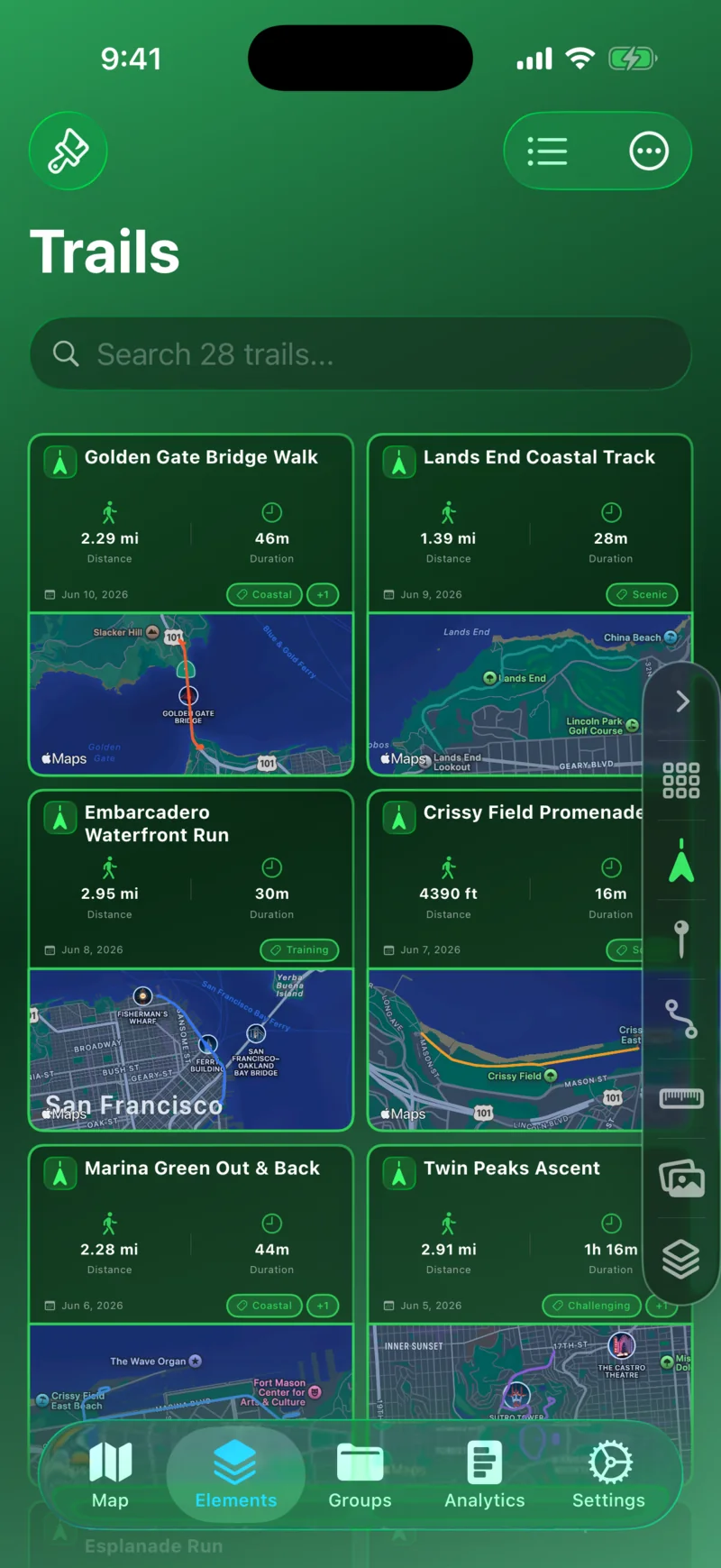
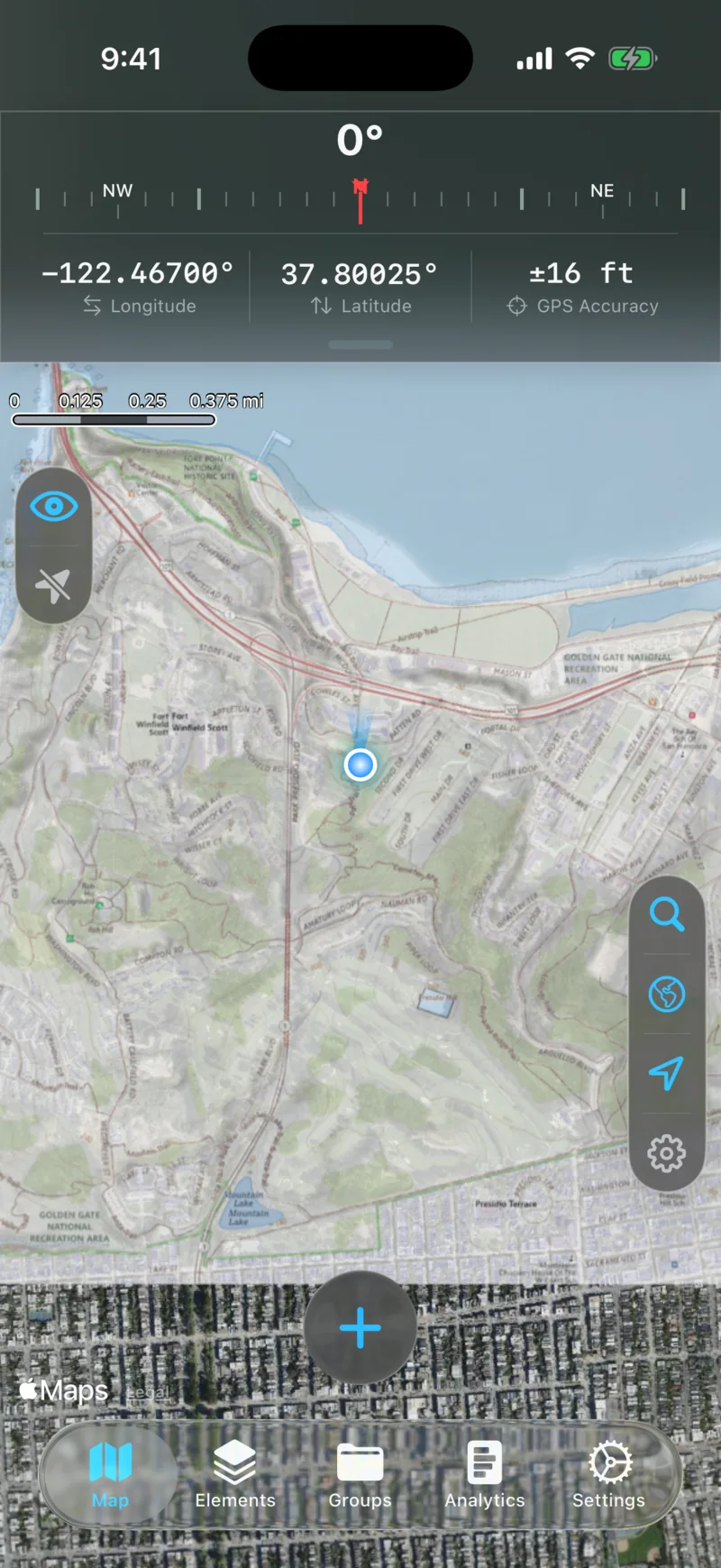
Trail Recording

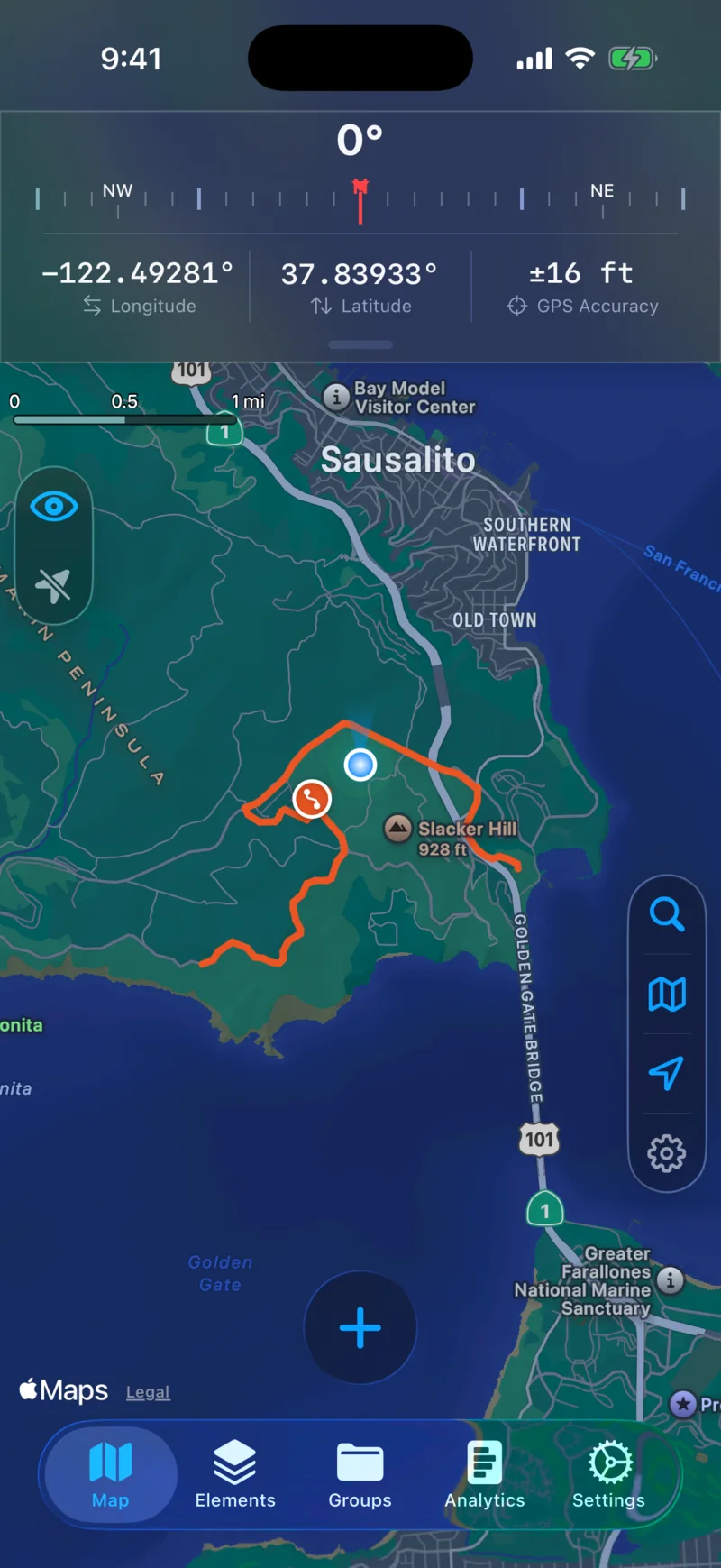
Track and record routes with live metrics.
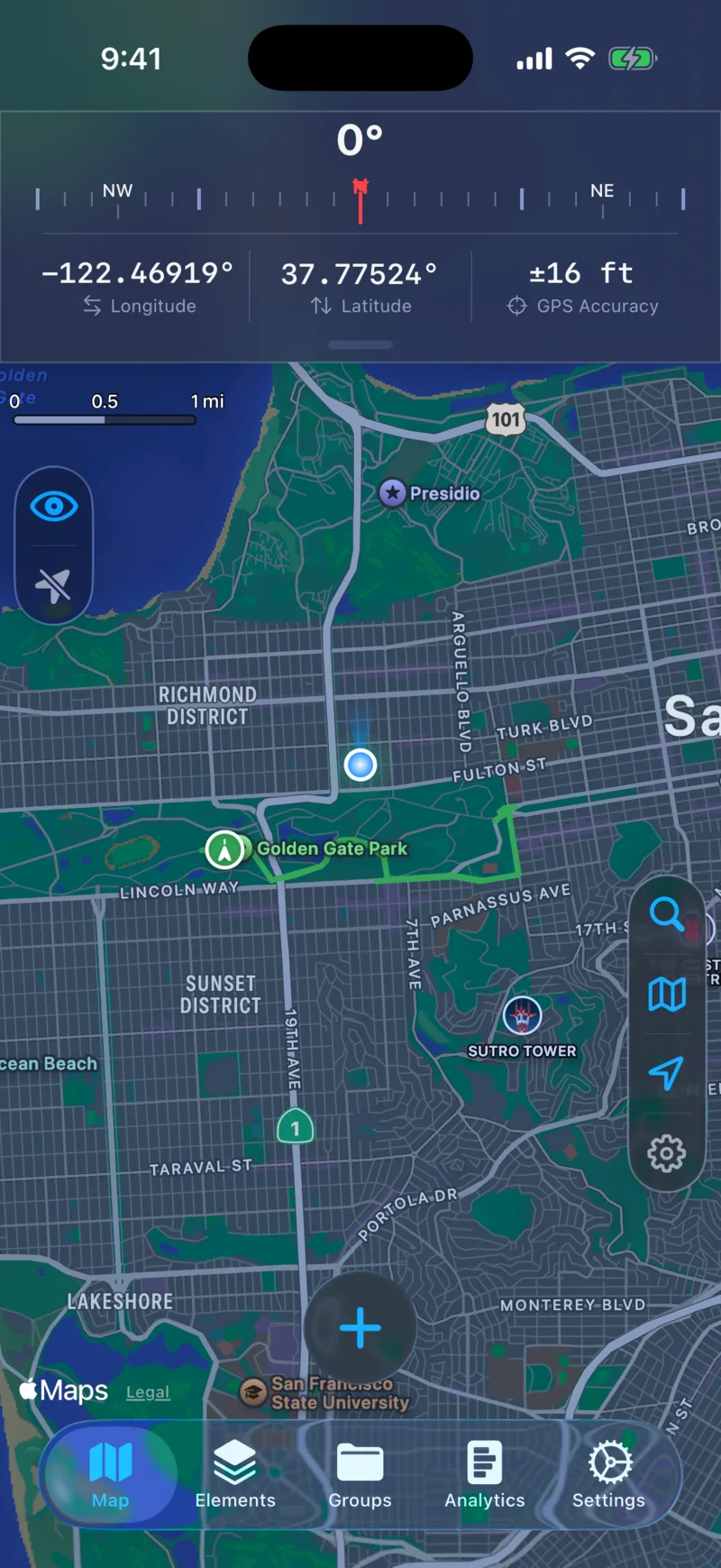
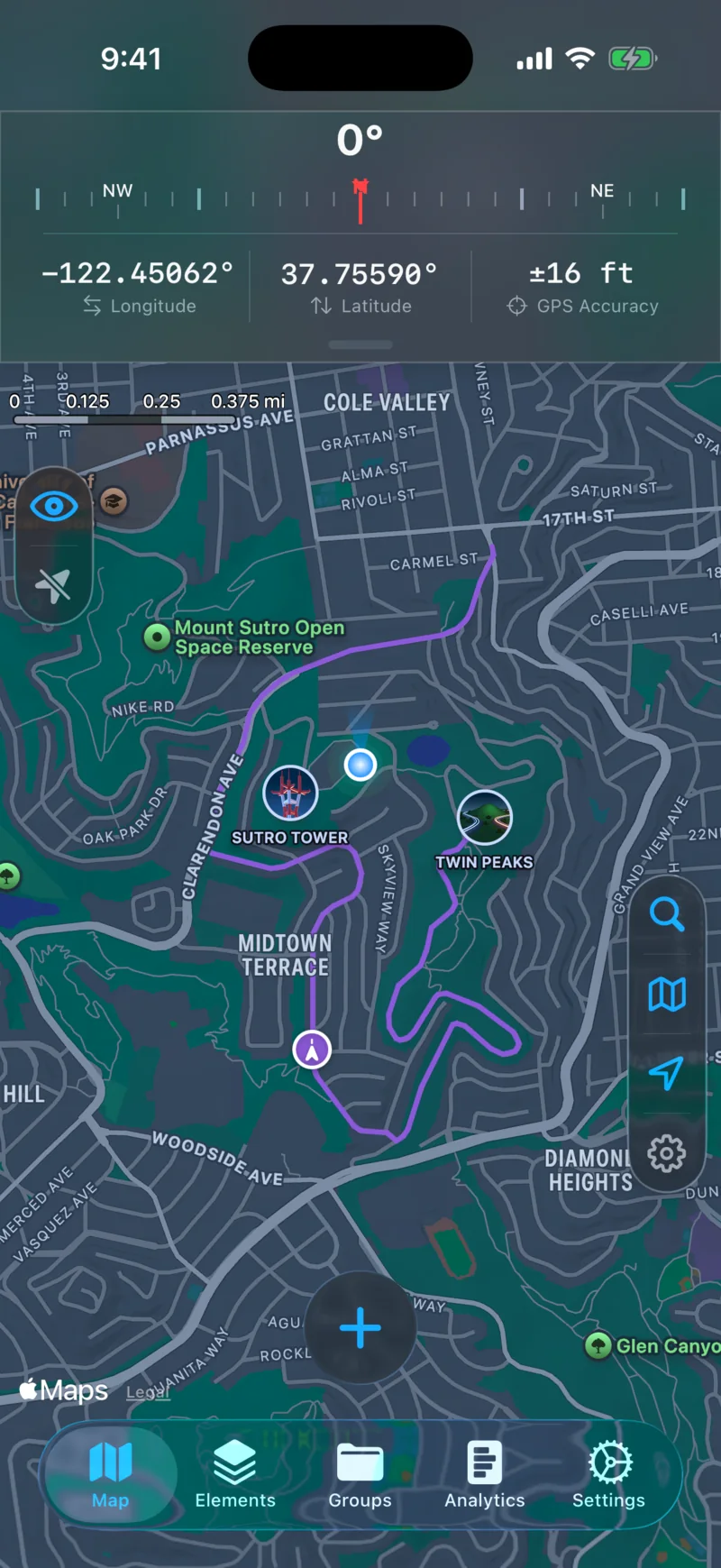
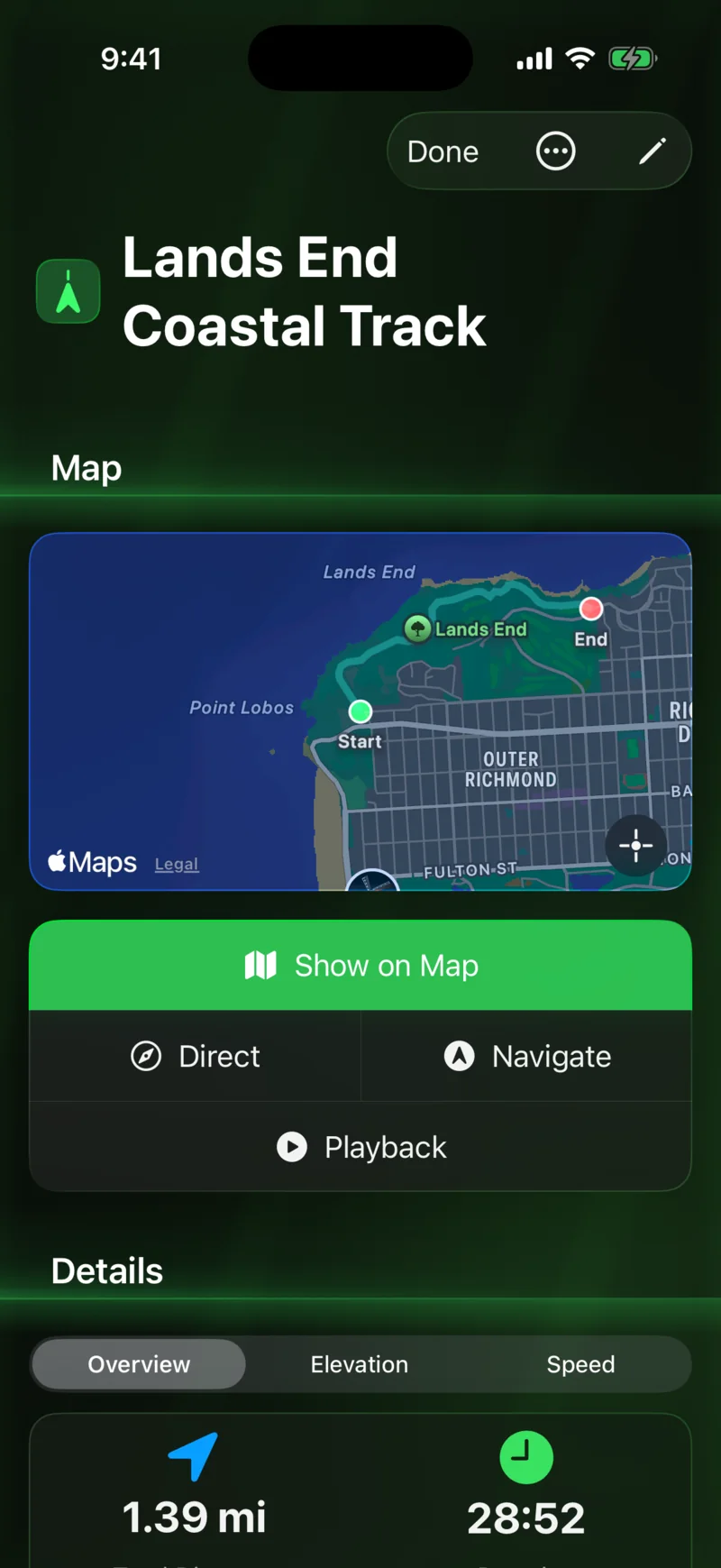
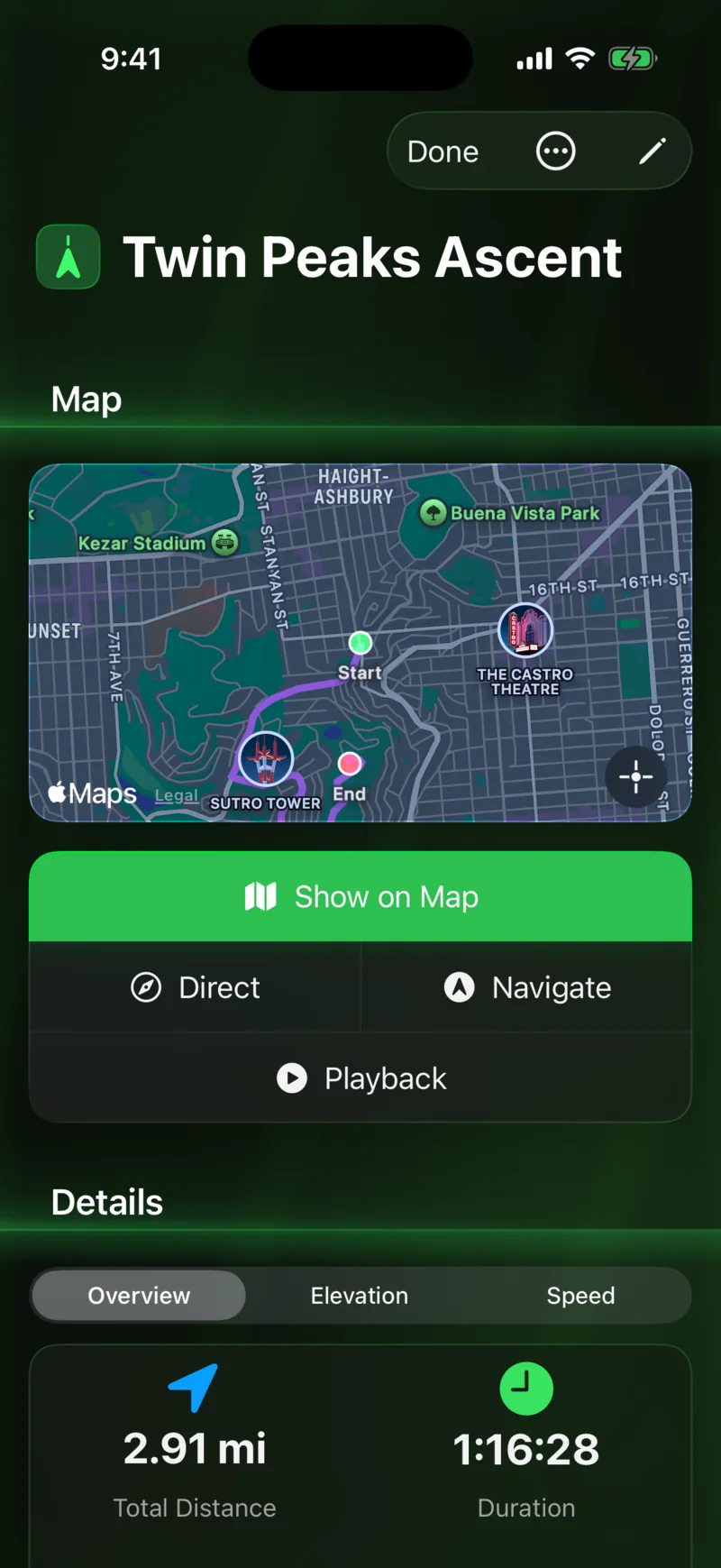
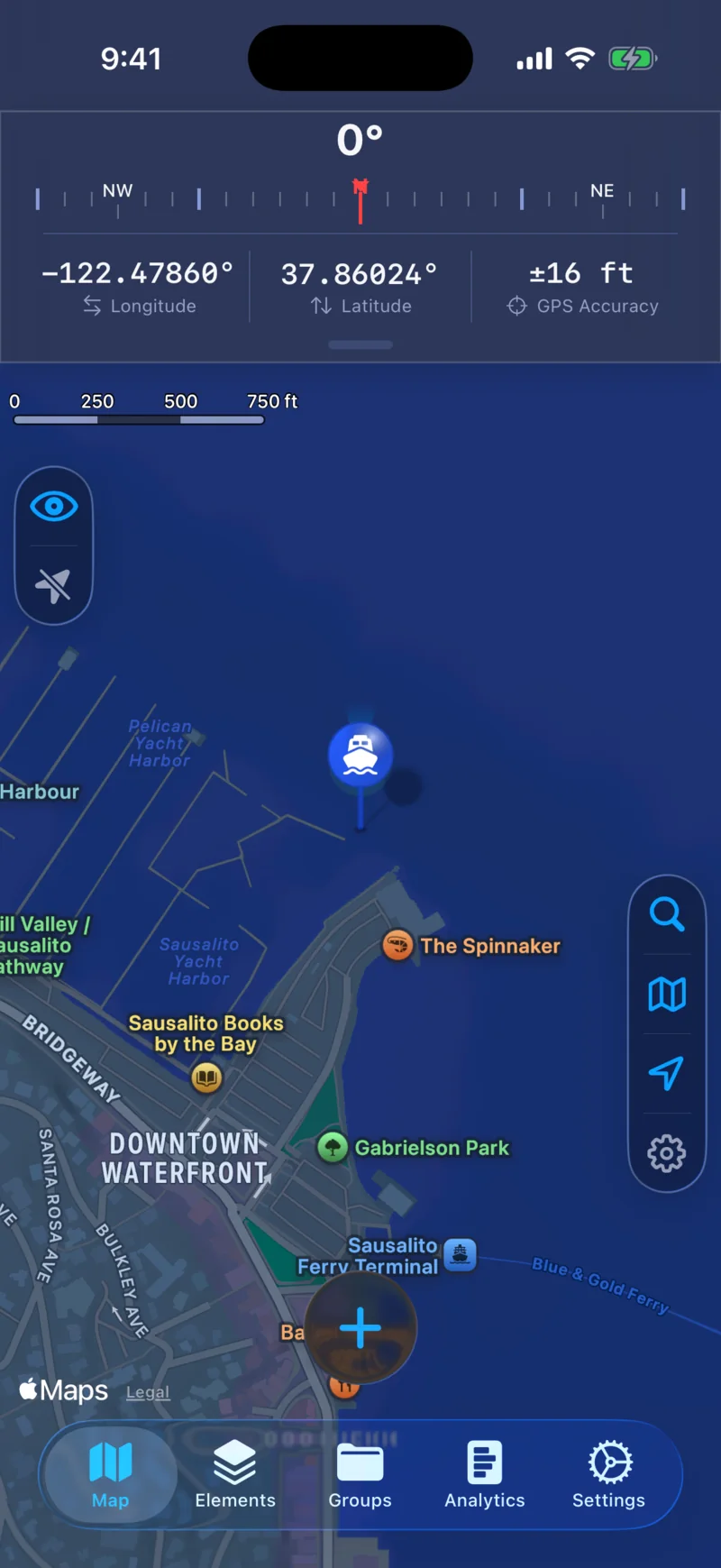
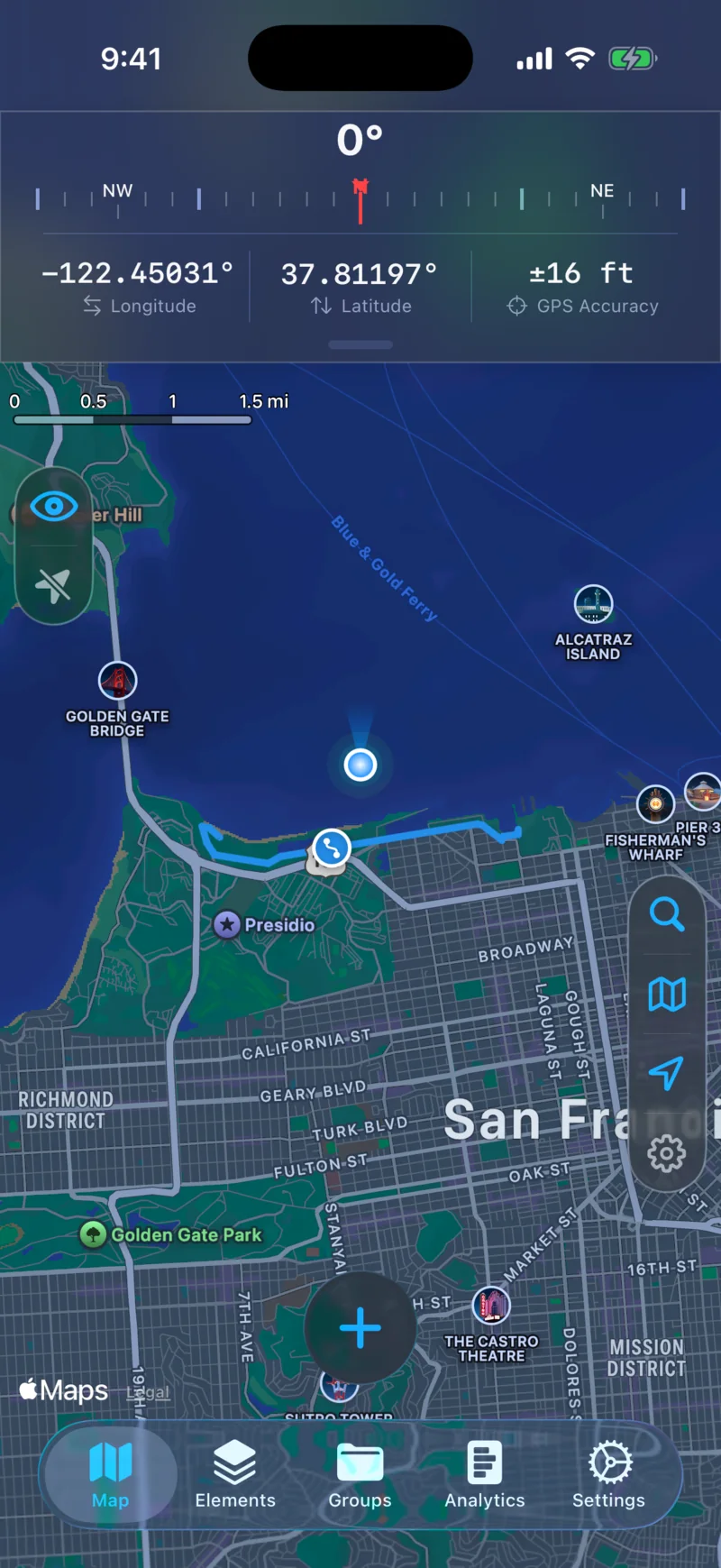
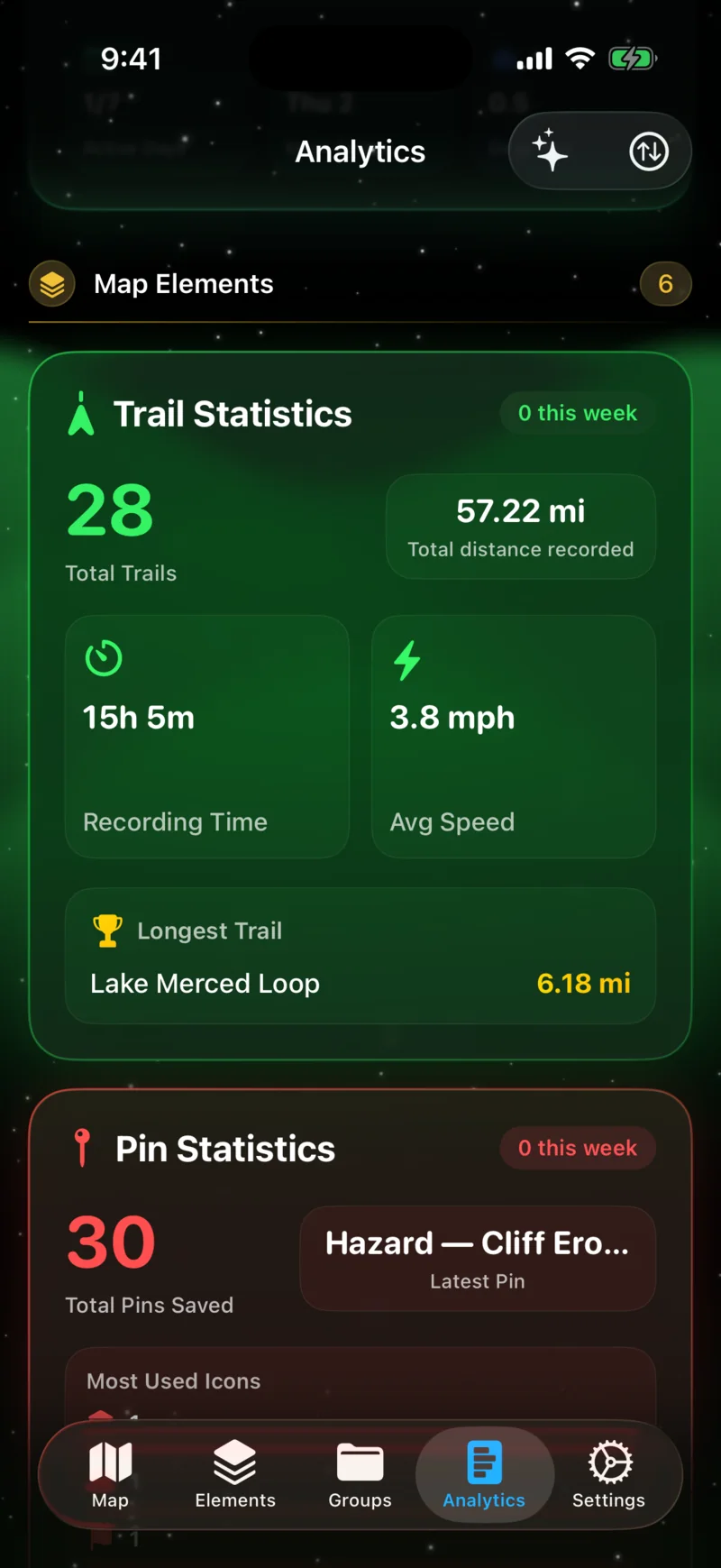
Speed, distance, elevation, pace, and more — all updating in real time, even in the background. Play back recorded trails with scrubbing, multiple speed controls, and live elevation charts. Export to GPX or KML, and sync completed trails to Apple Health as workouts.

Live Dashboard
Live Dashboard
Trail Playback
Trail Playback

Custom Pins

Mark locations with custom icons, colors, and notes.

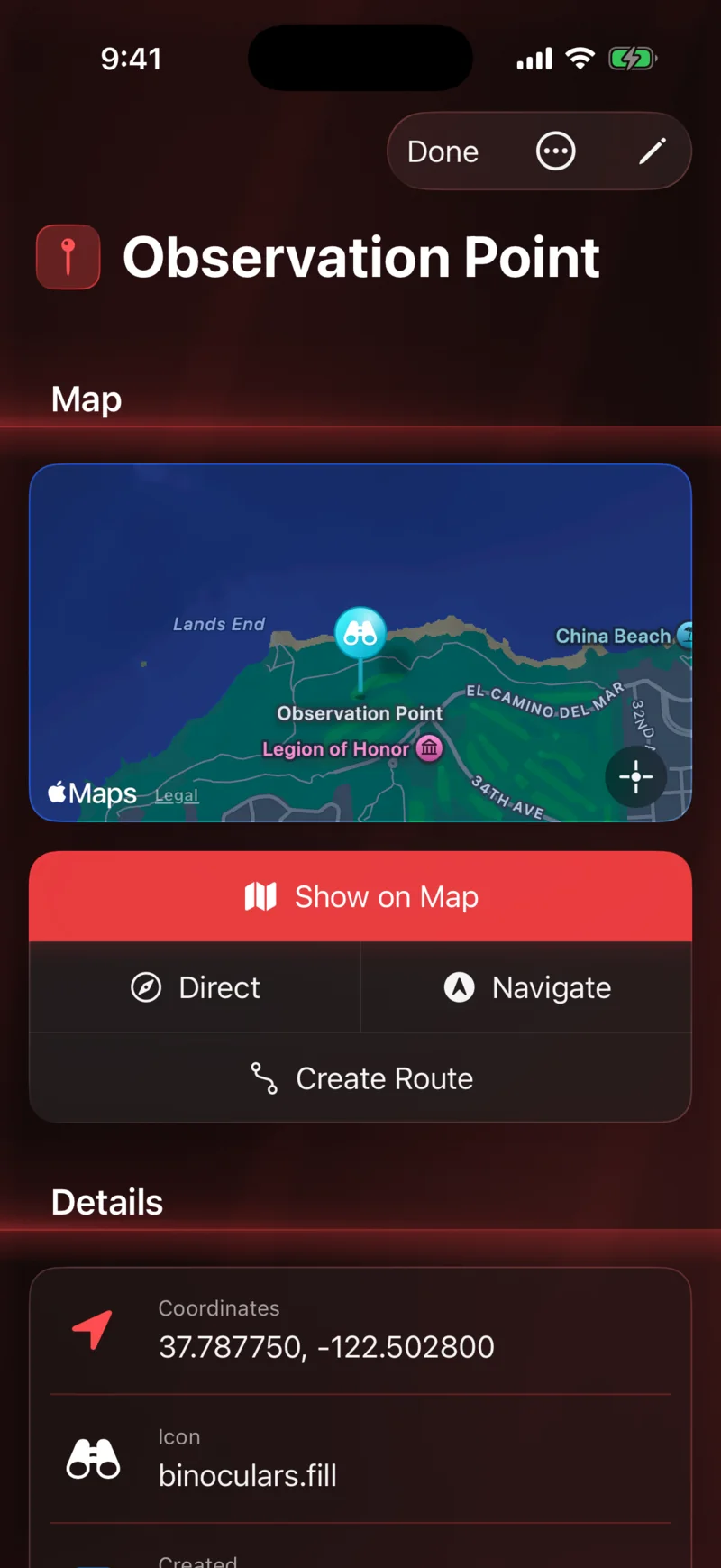
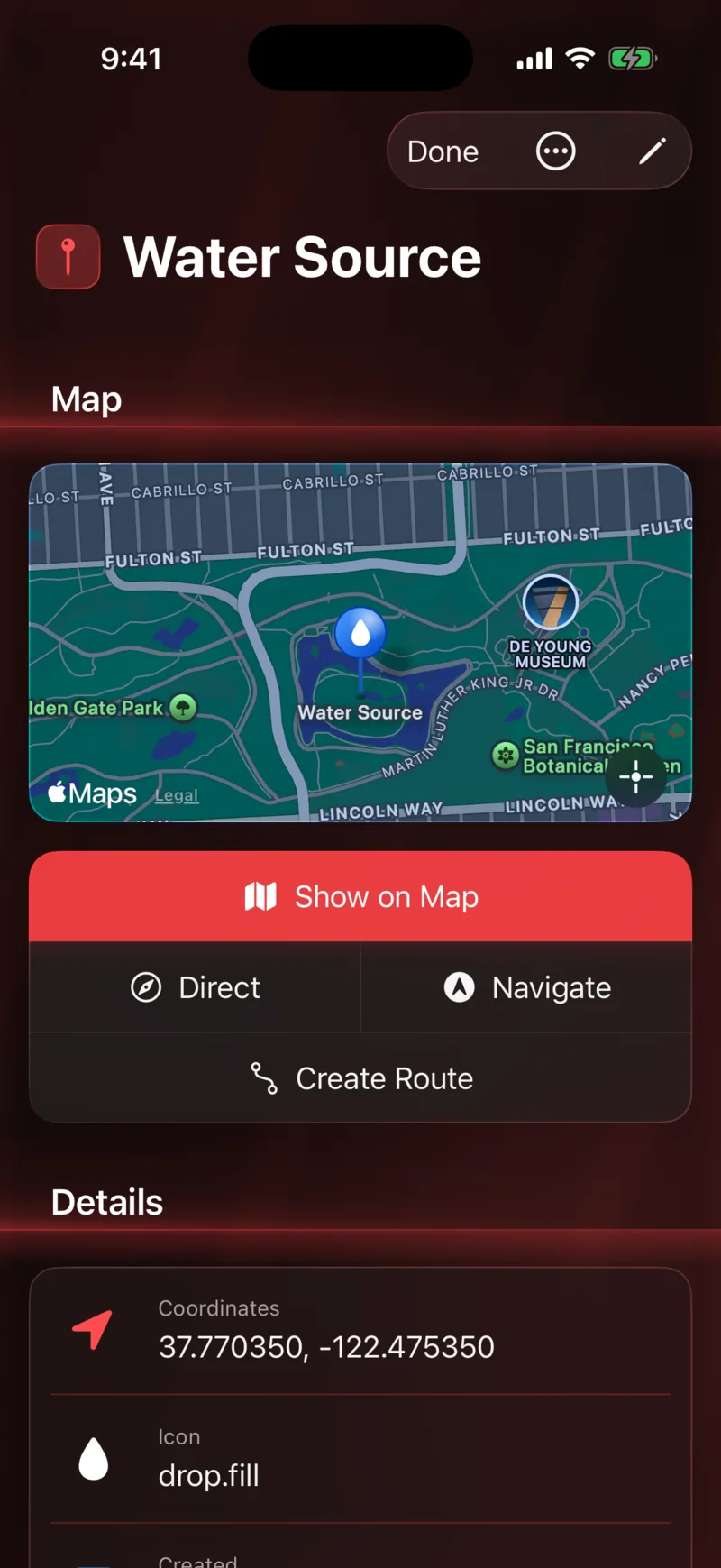
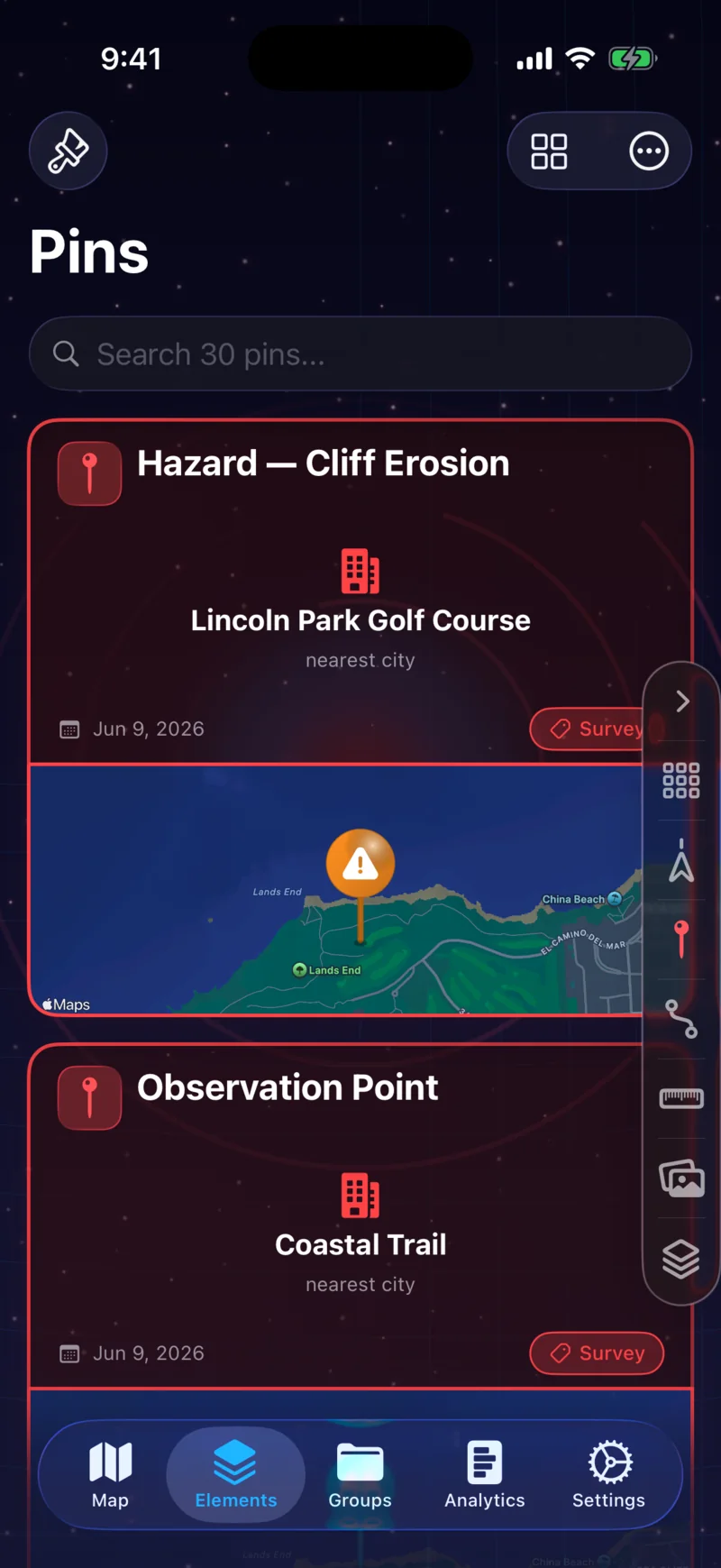
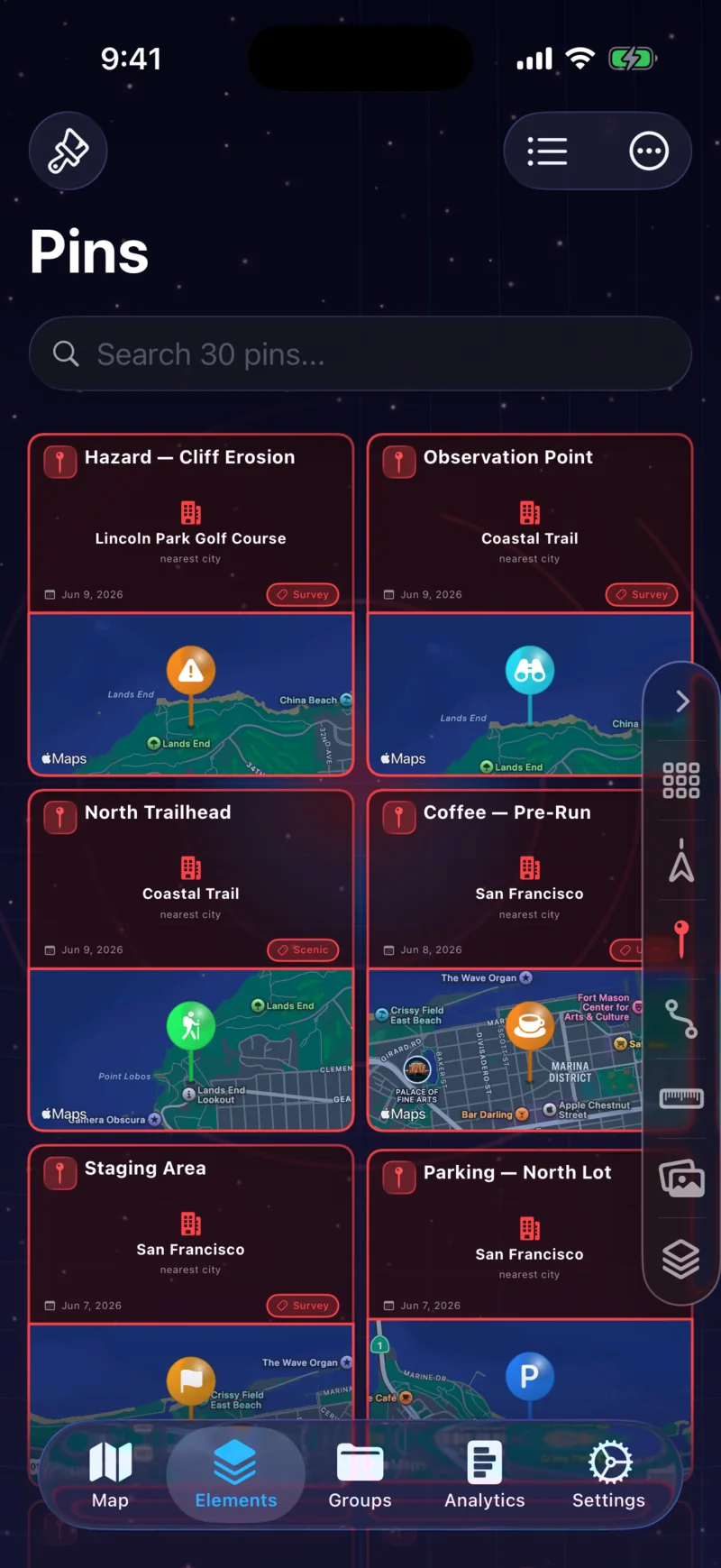
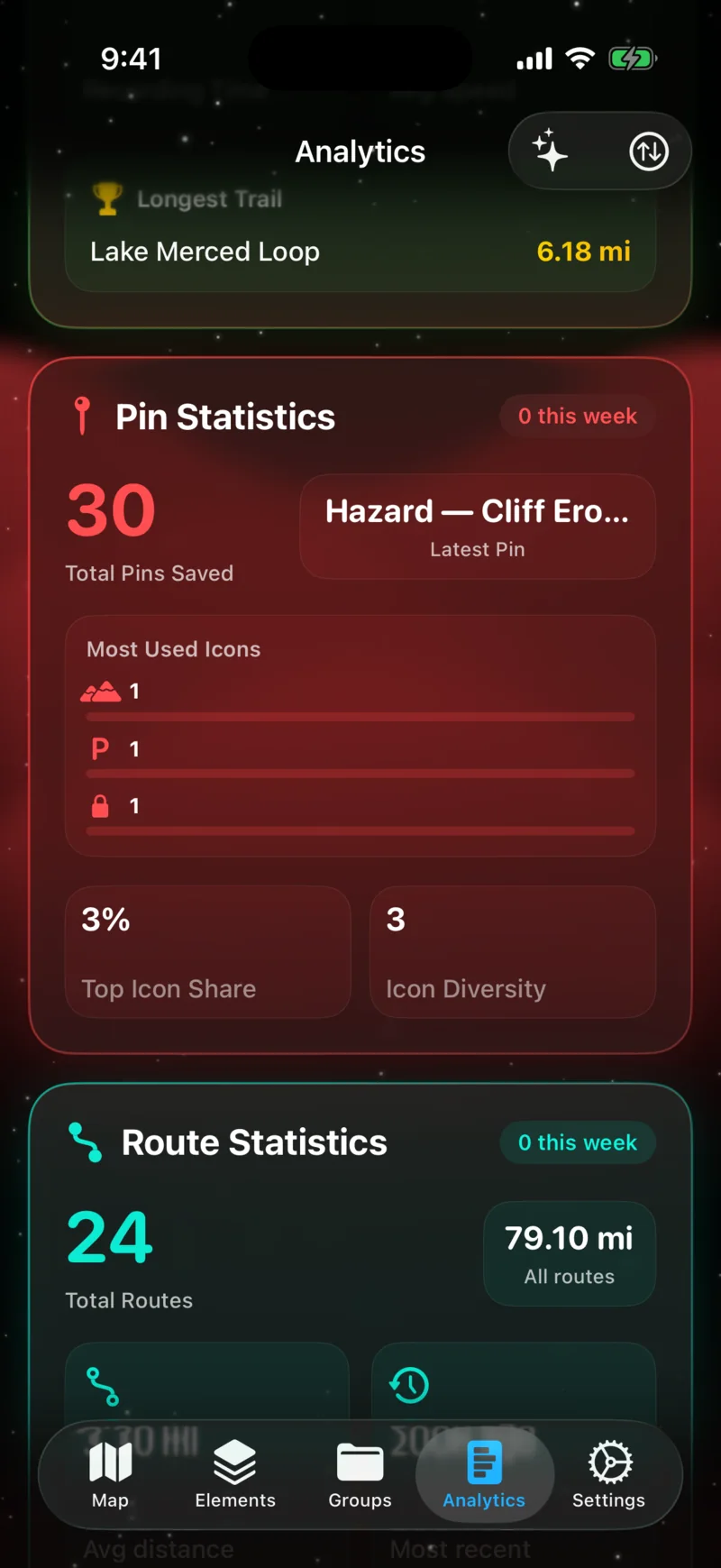
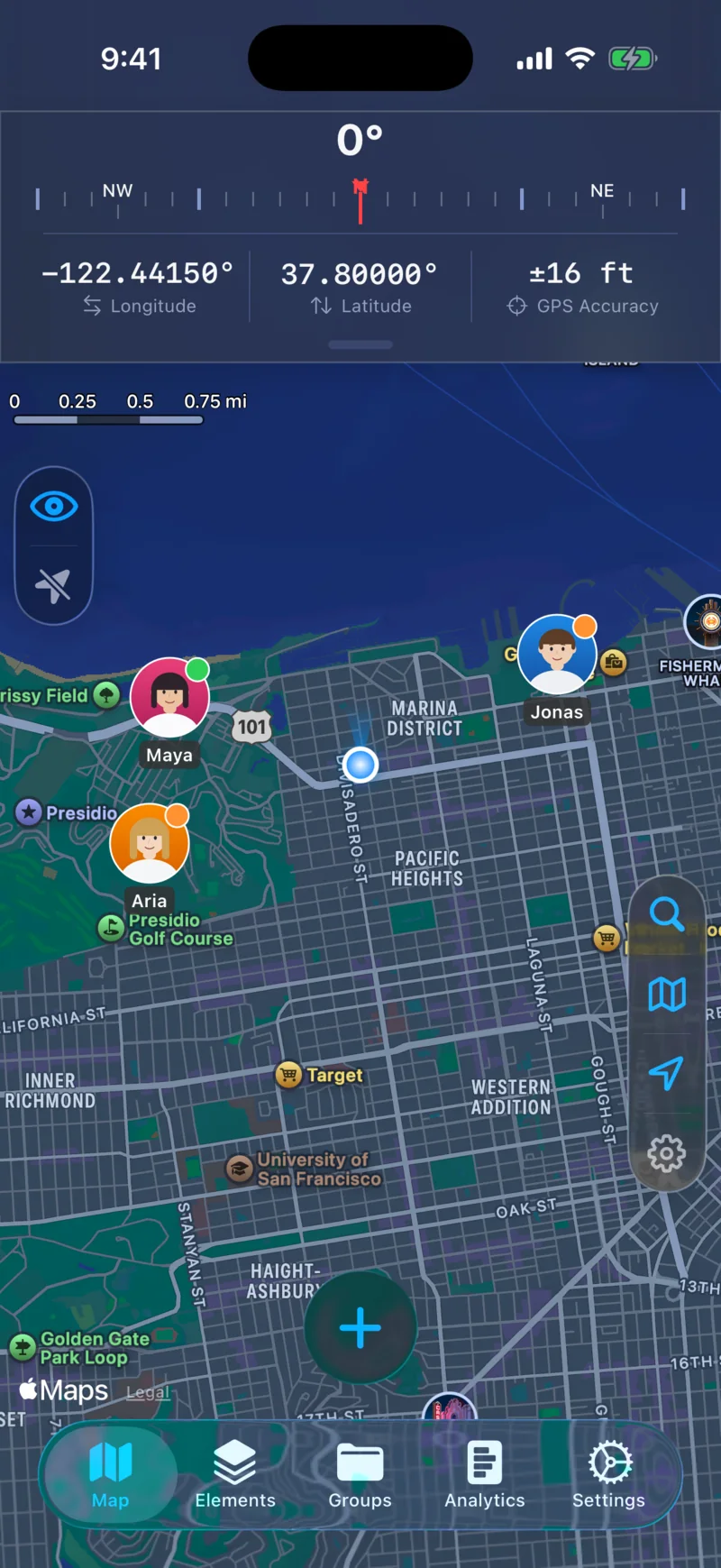
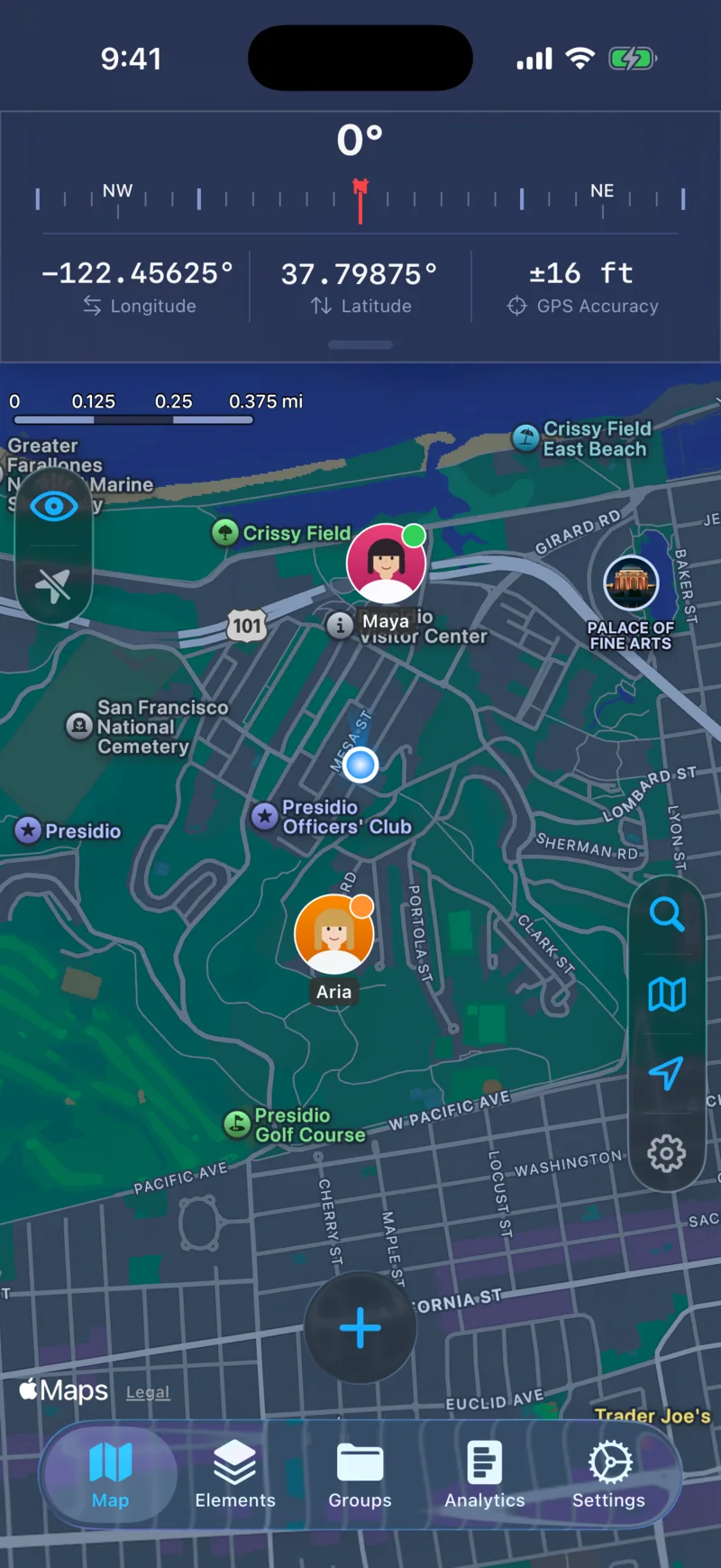
Drop waypoints anywhere on the map. Choose from 70+ icons across 9 categories, assign custom colors, and add descriptions and tags to keep everything organized.

Pins on Map
Pins on Map
Icon Picker
Icon Picker

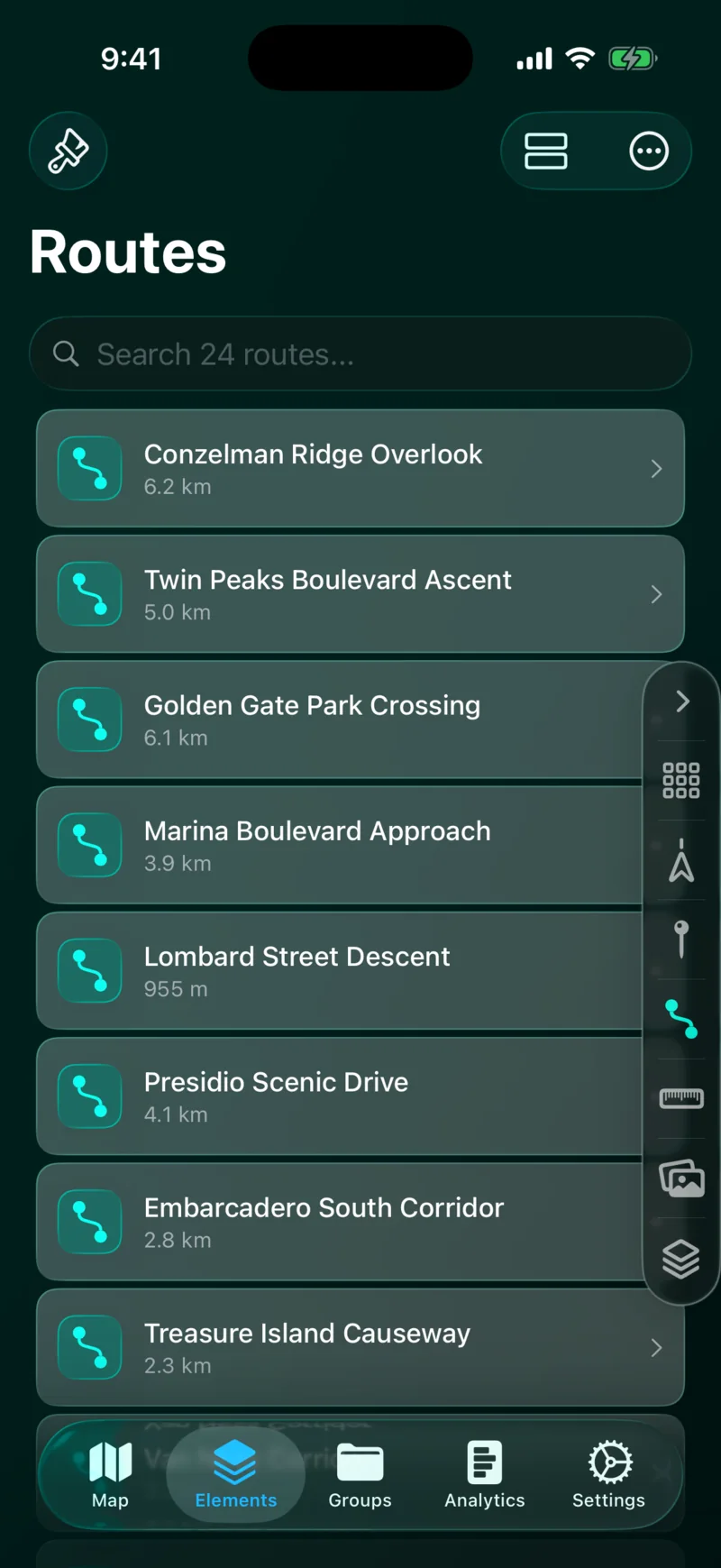
Route Builder

Plan paths between waypoints with distance and travel time.

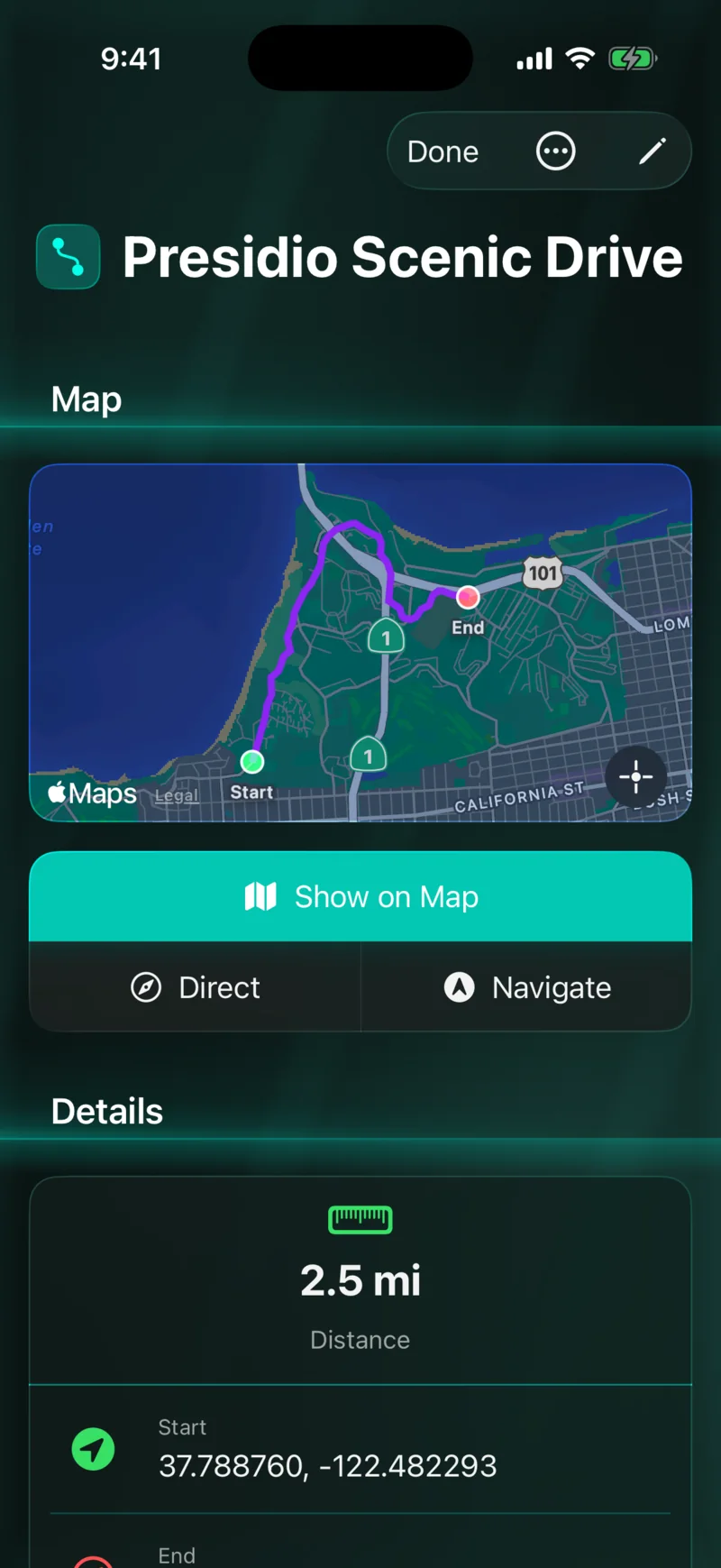
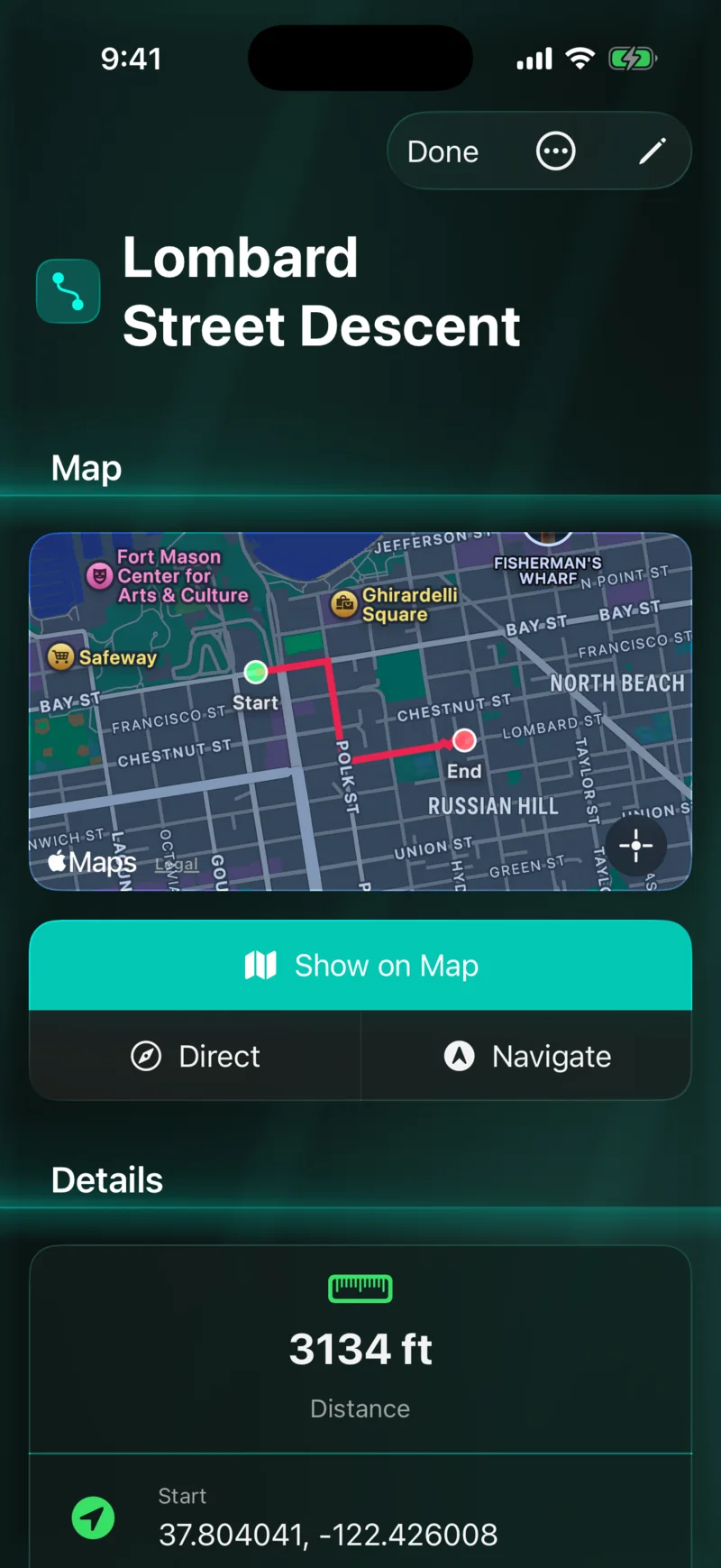
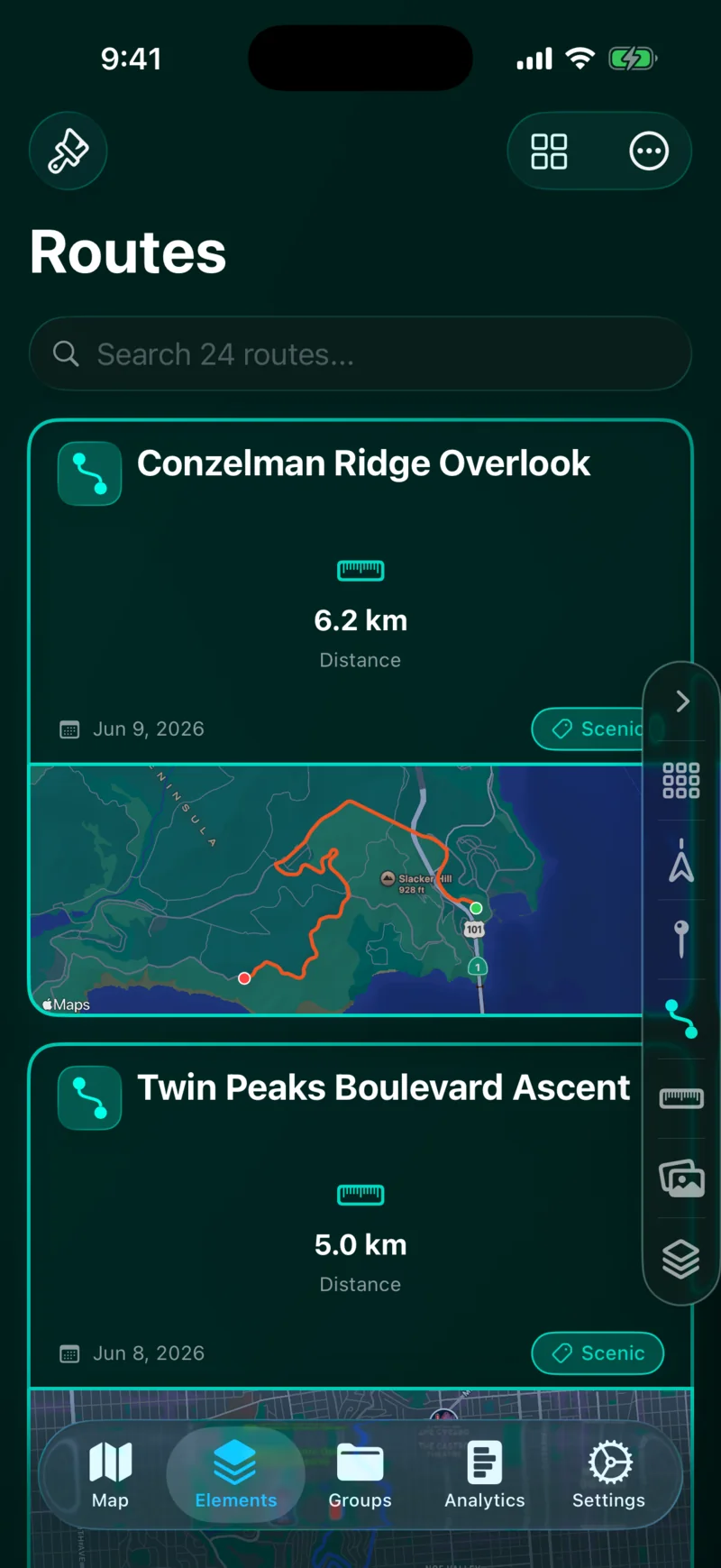
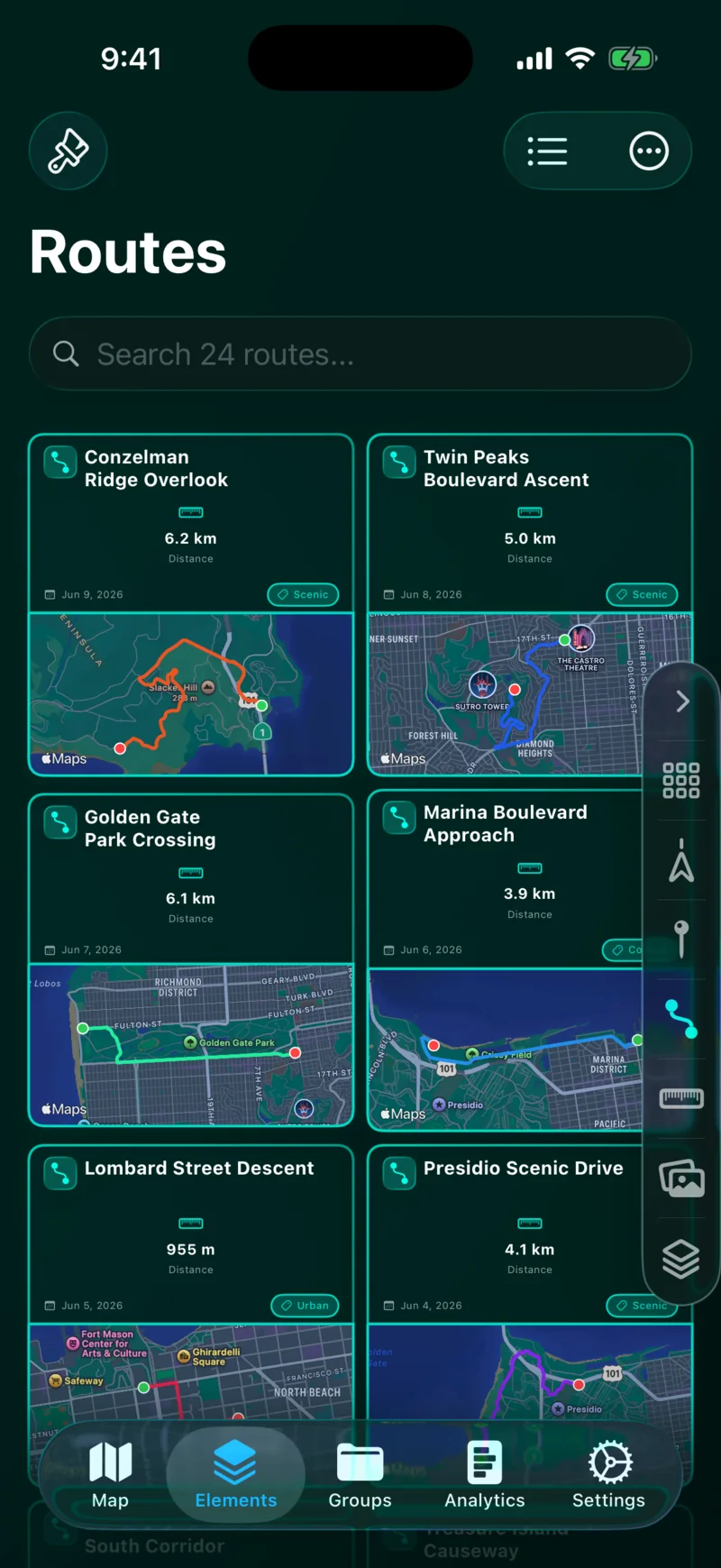
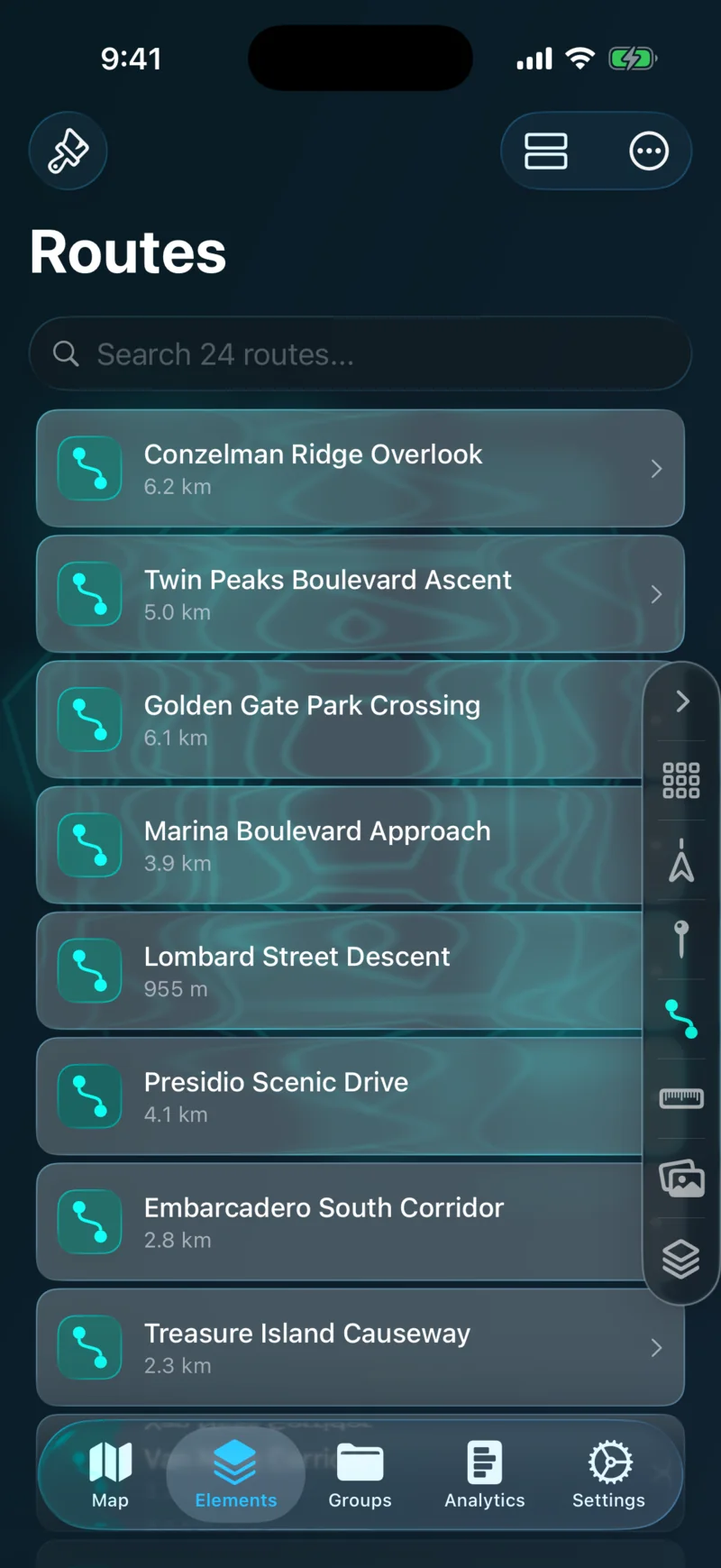
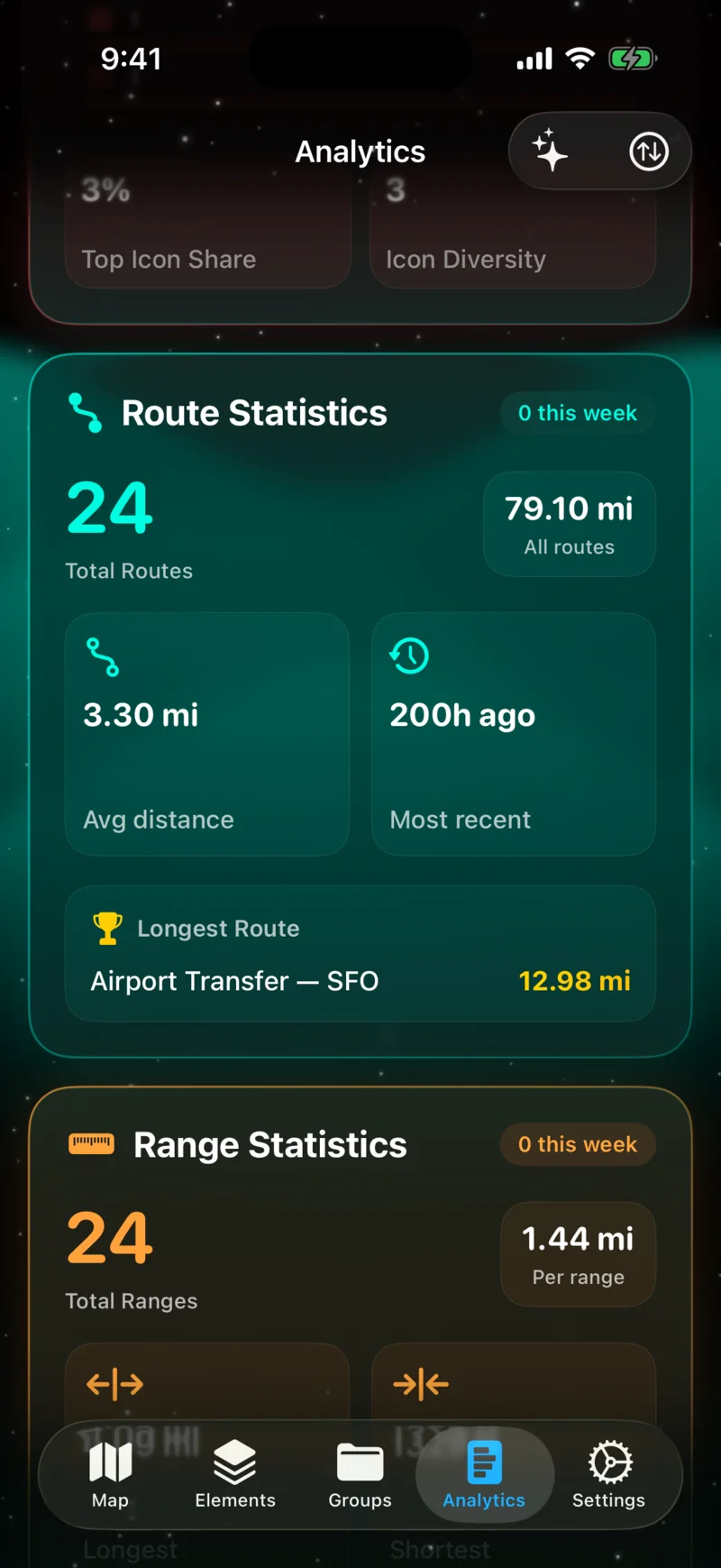
Connect waypoints into routes with distance and travel time estimates. Export as GPX or KML to use in other apps, or share with friends through iCloud.

Route on Map
Route on Map
Route Detail
Route Detail

Range Finder

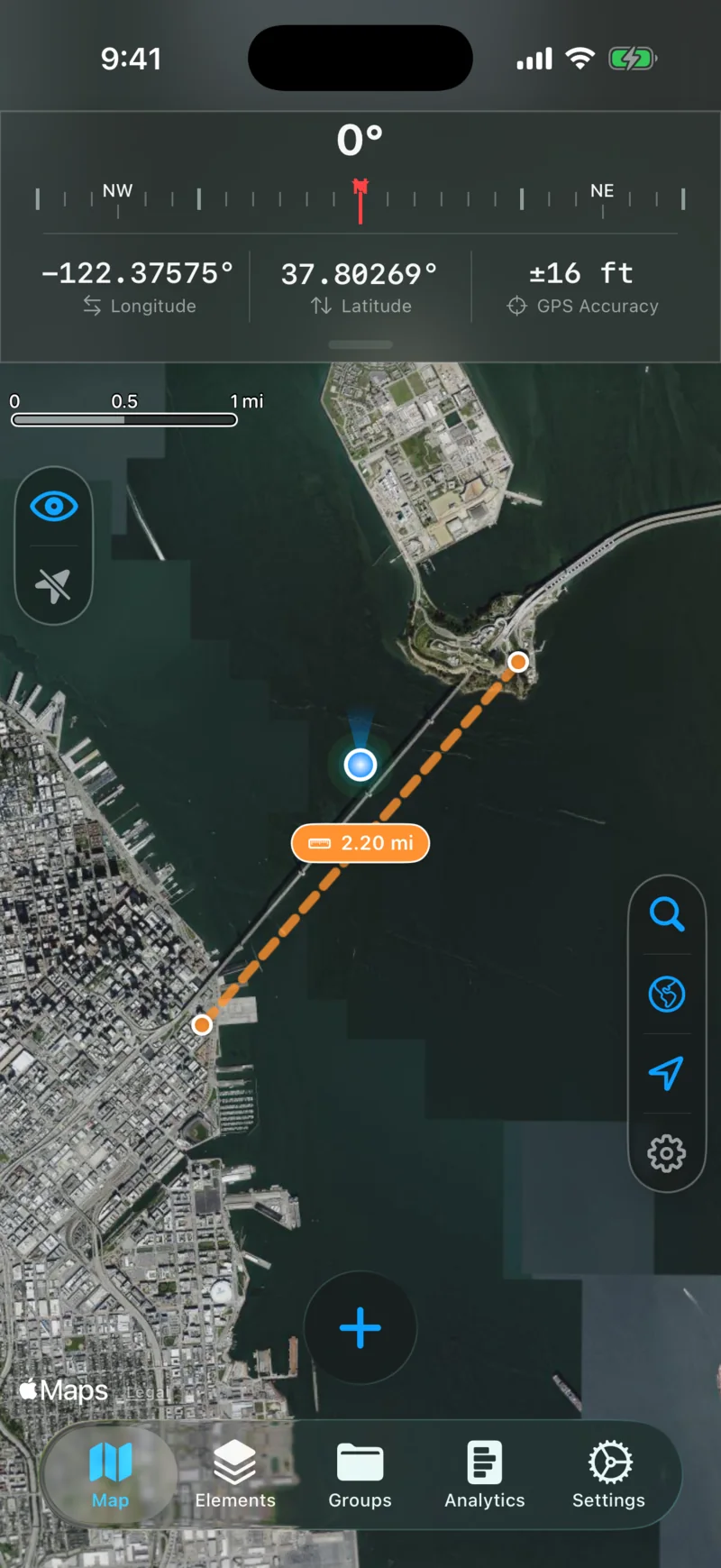
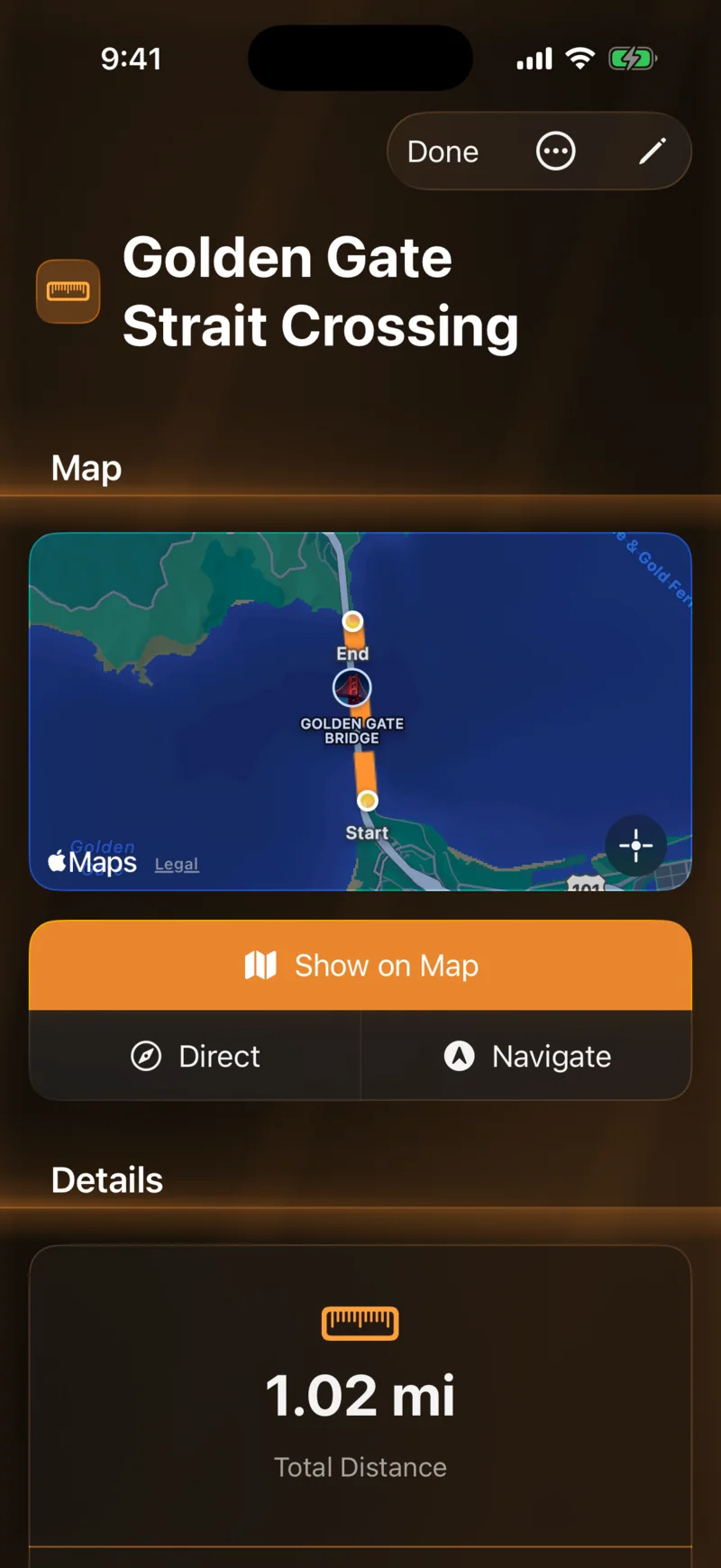
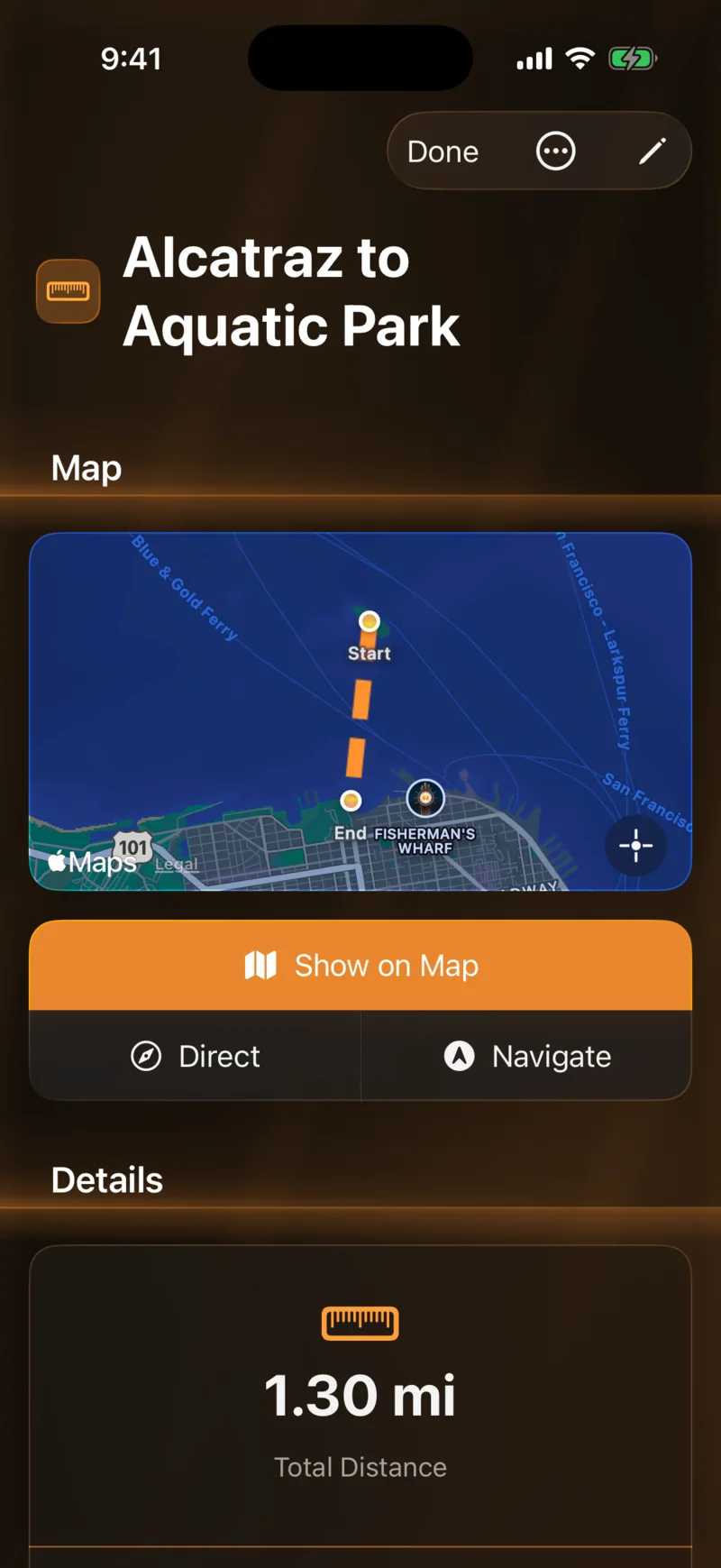
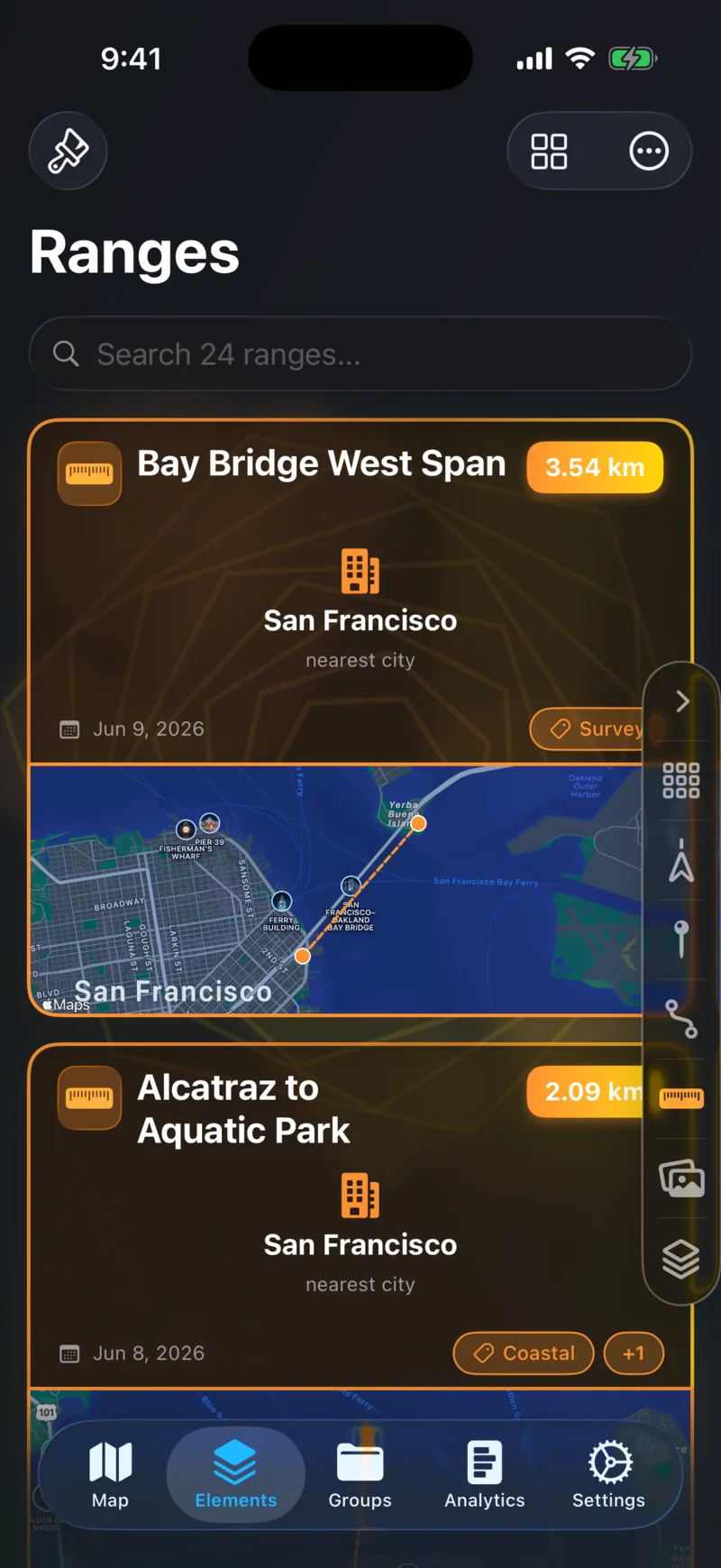
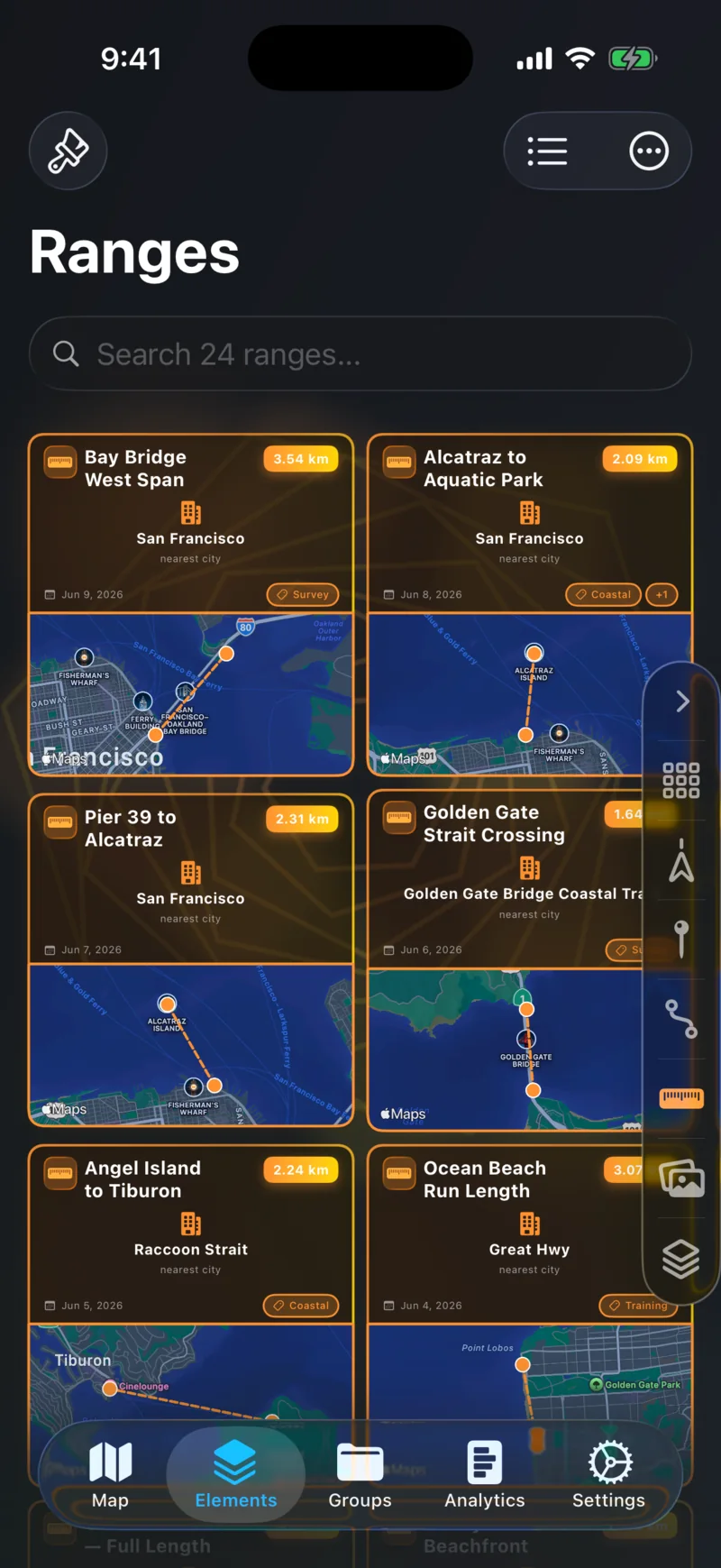
Measure the distance between any two points on the map.

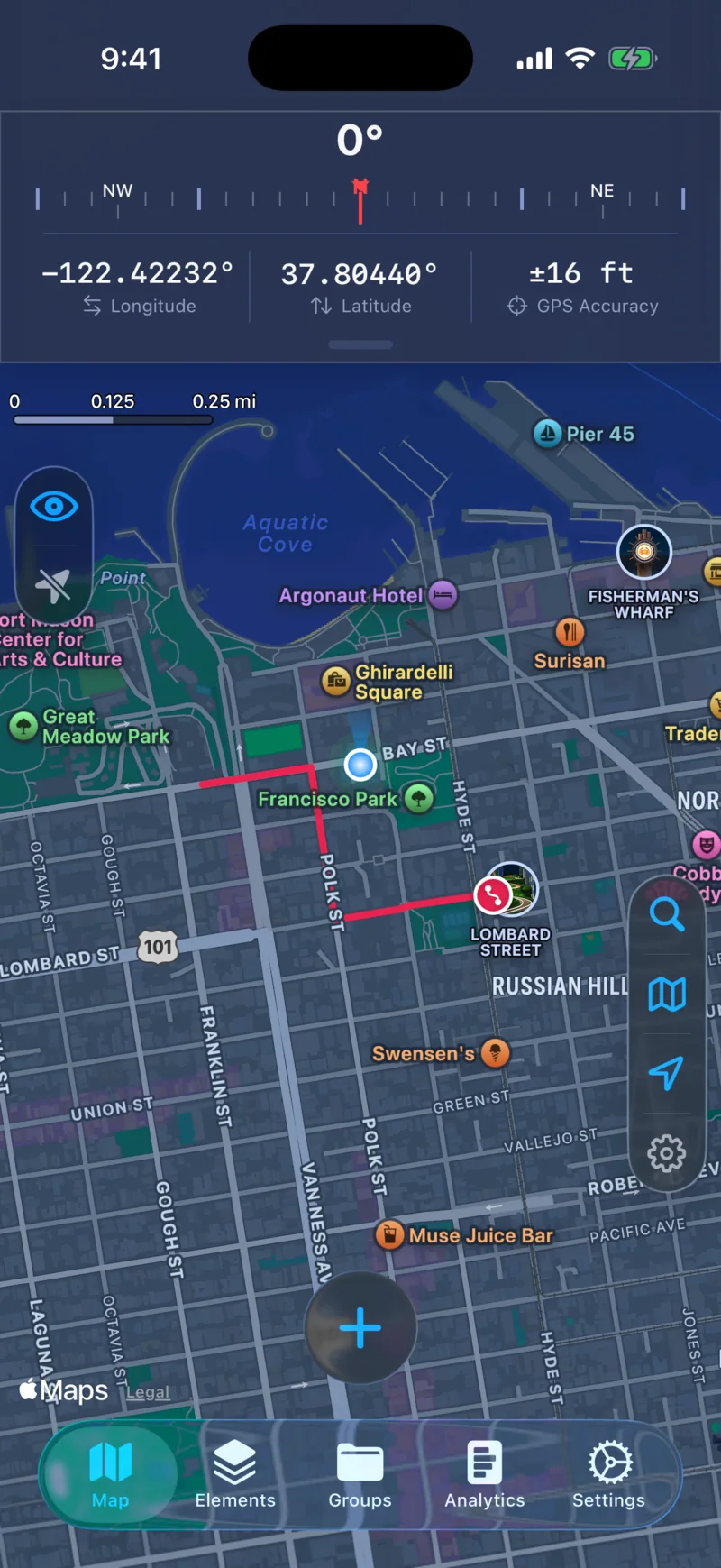
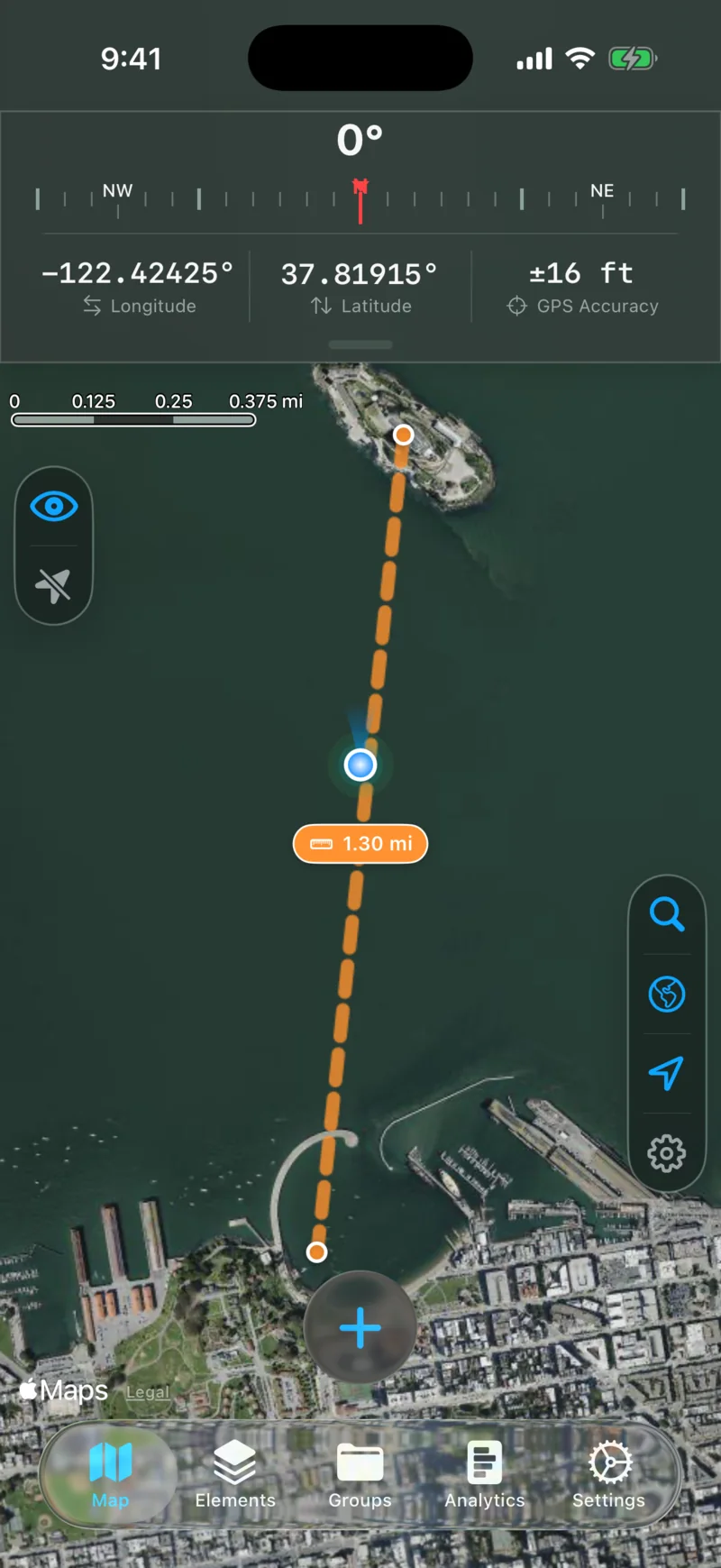
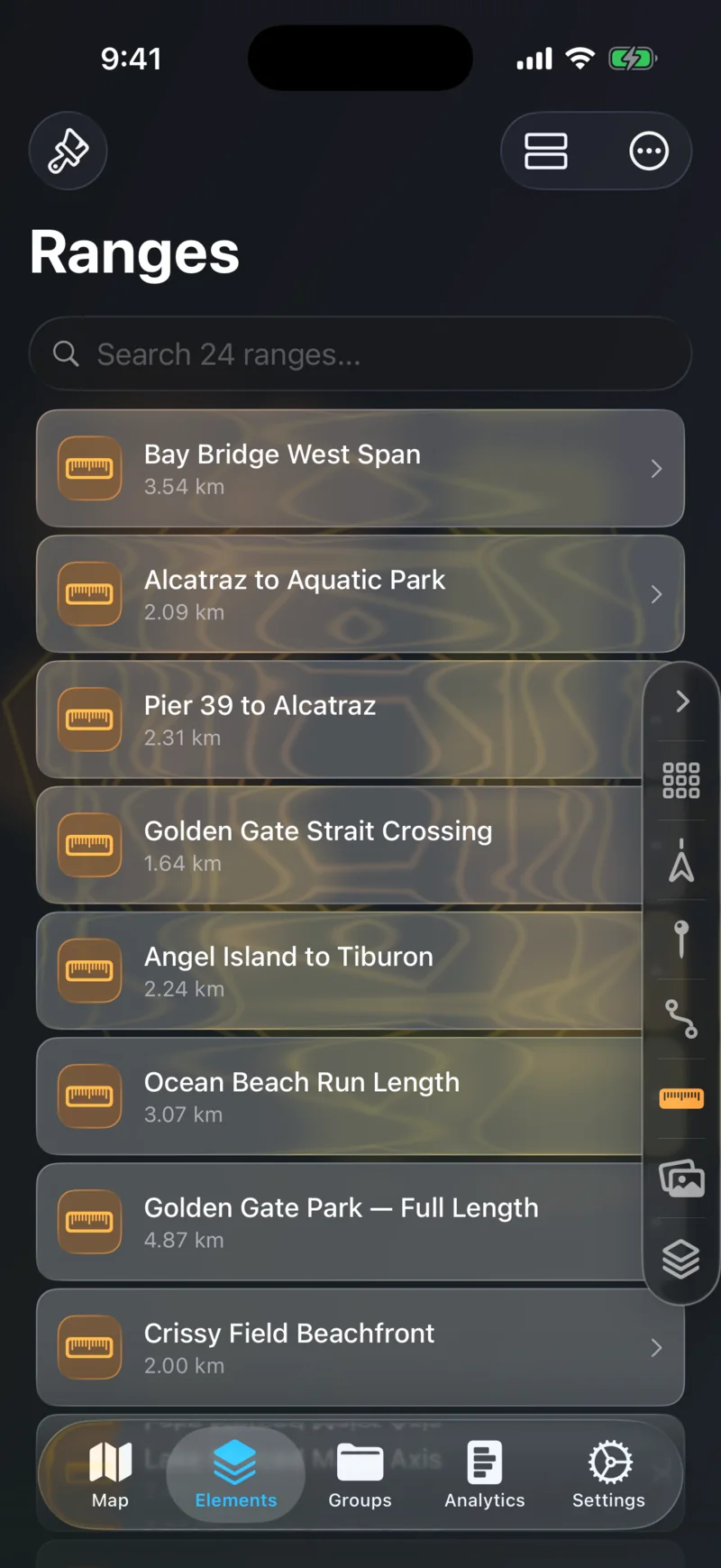
Tap two points and get an instant distance measurement. Customize colors to keep multiple ranges organized on the map at once.

Single Range
Single Range
Multiple Ranges
Multiple Ranges

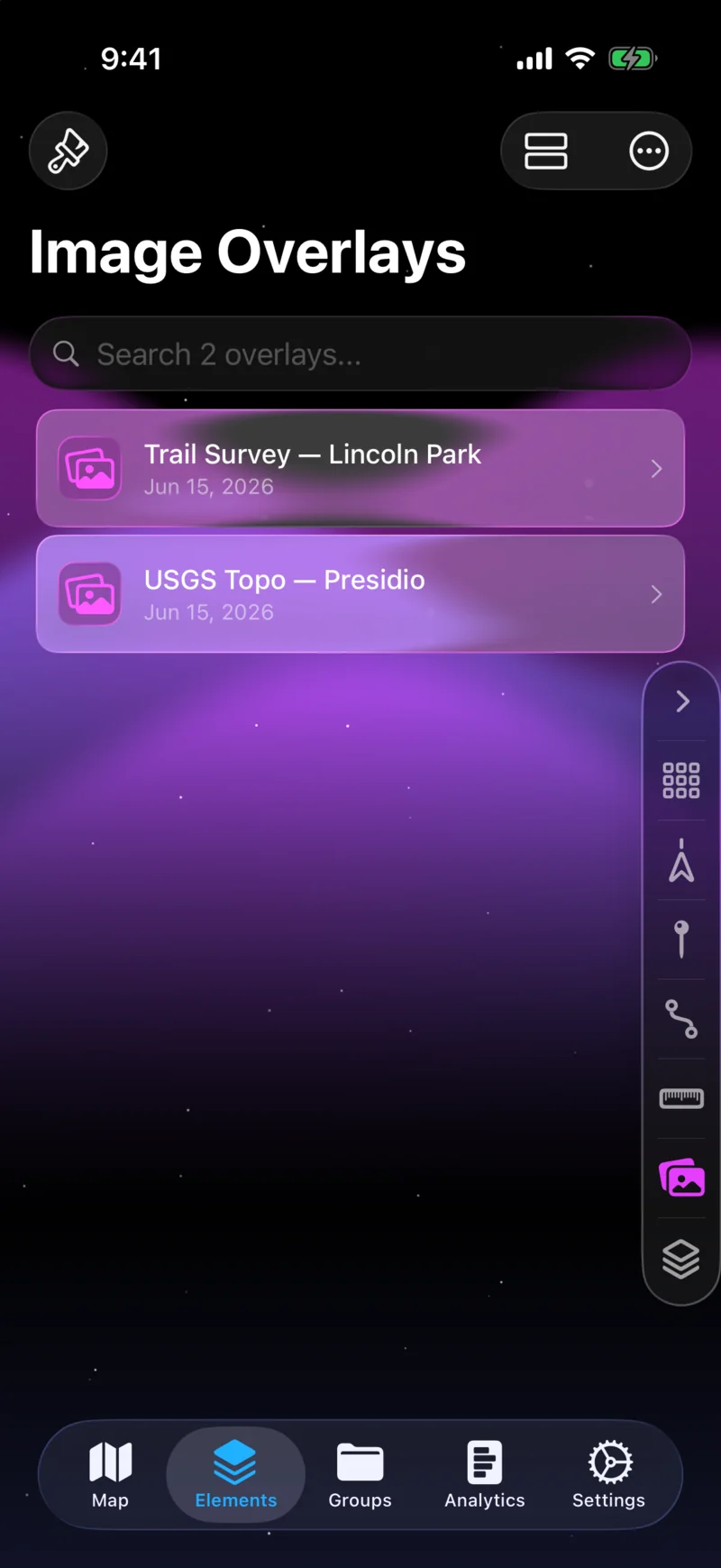
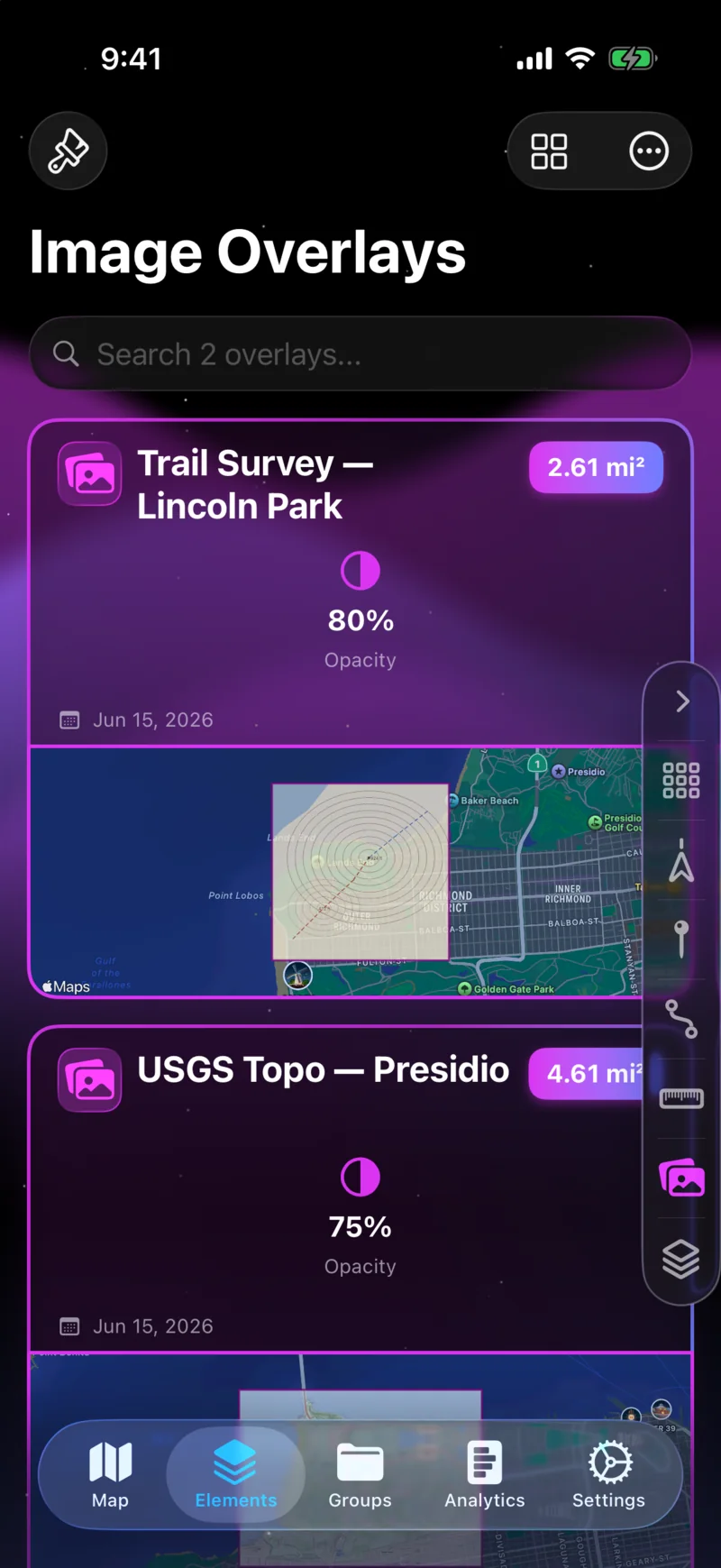
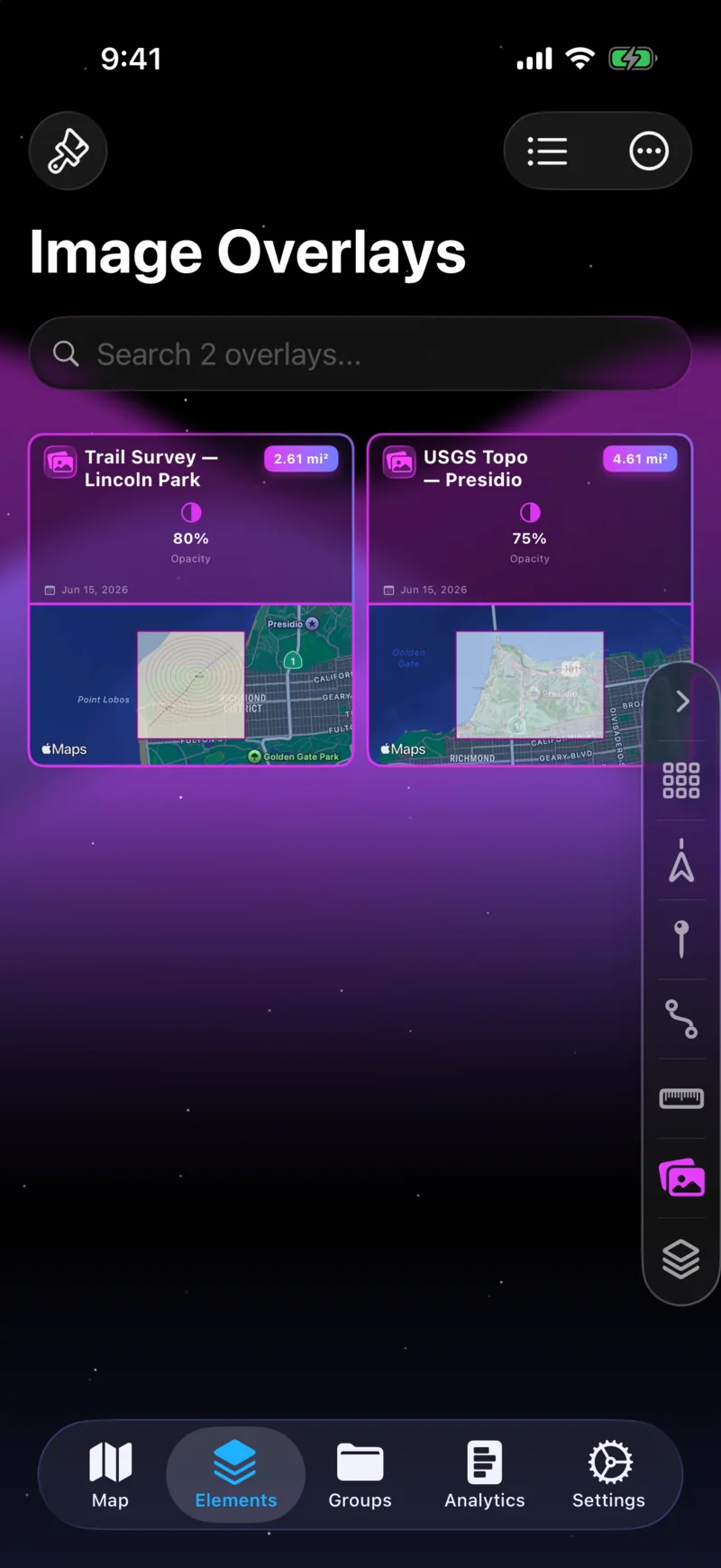
Image Overlays

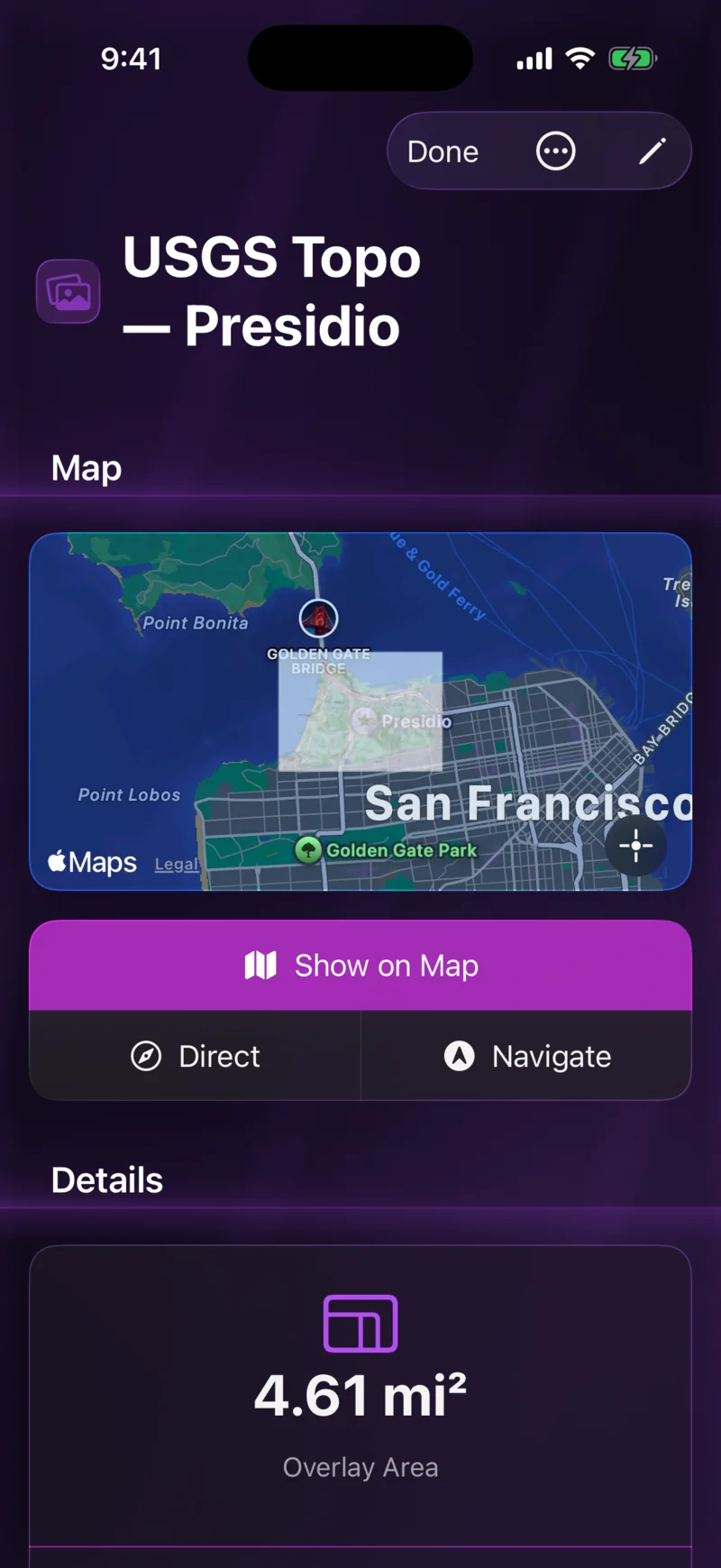
Layer hiking trails, photos, or diagrams onto the map.

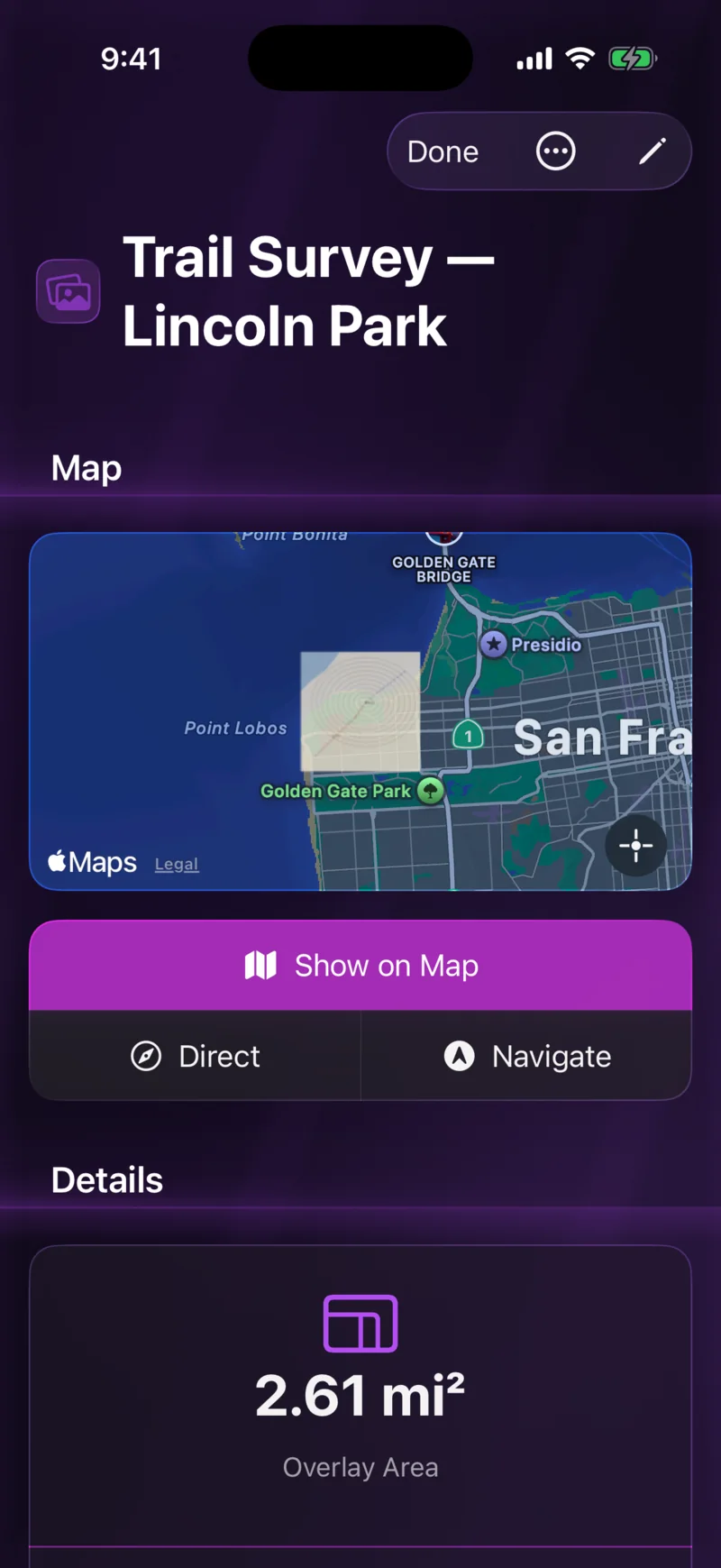
Place any image at exact coordinates on the map. Adjust size, rotation, and opacity, and layer multiple overlays with z-index ordering to build up a detailed reference.

Overlay on Map
Overlay on Map
Editing Controls
Editing Controls

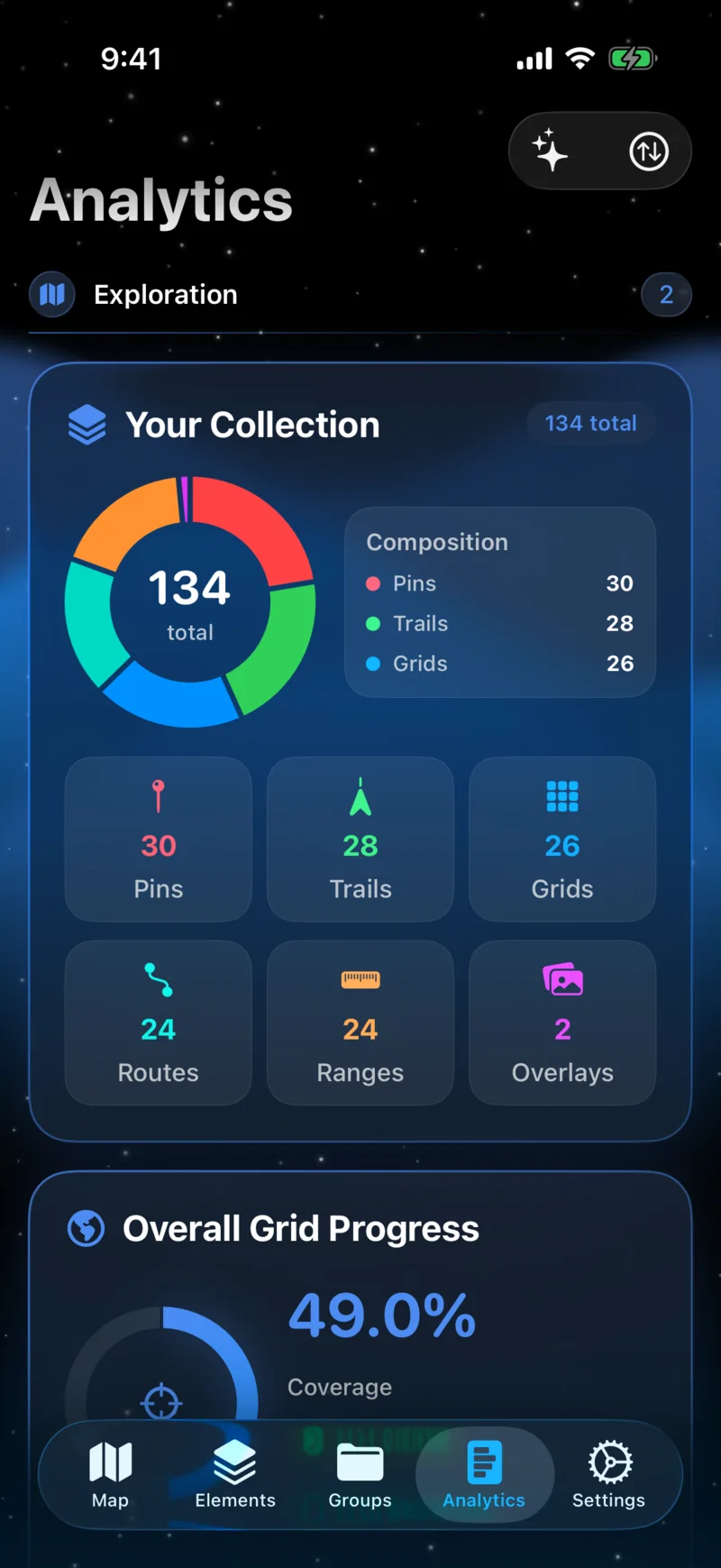
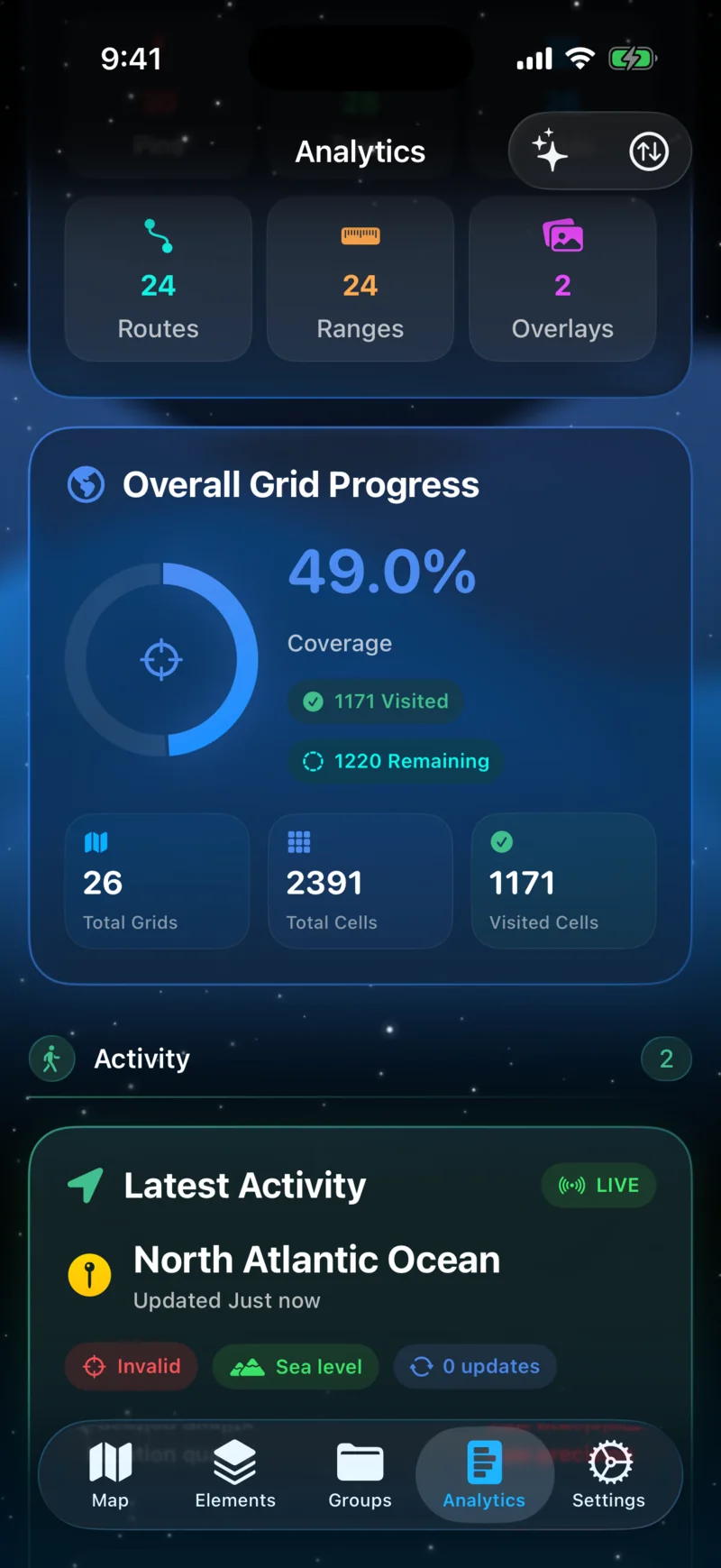
Detailed Analytics

See where you've been — and how far you've come.

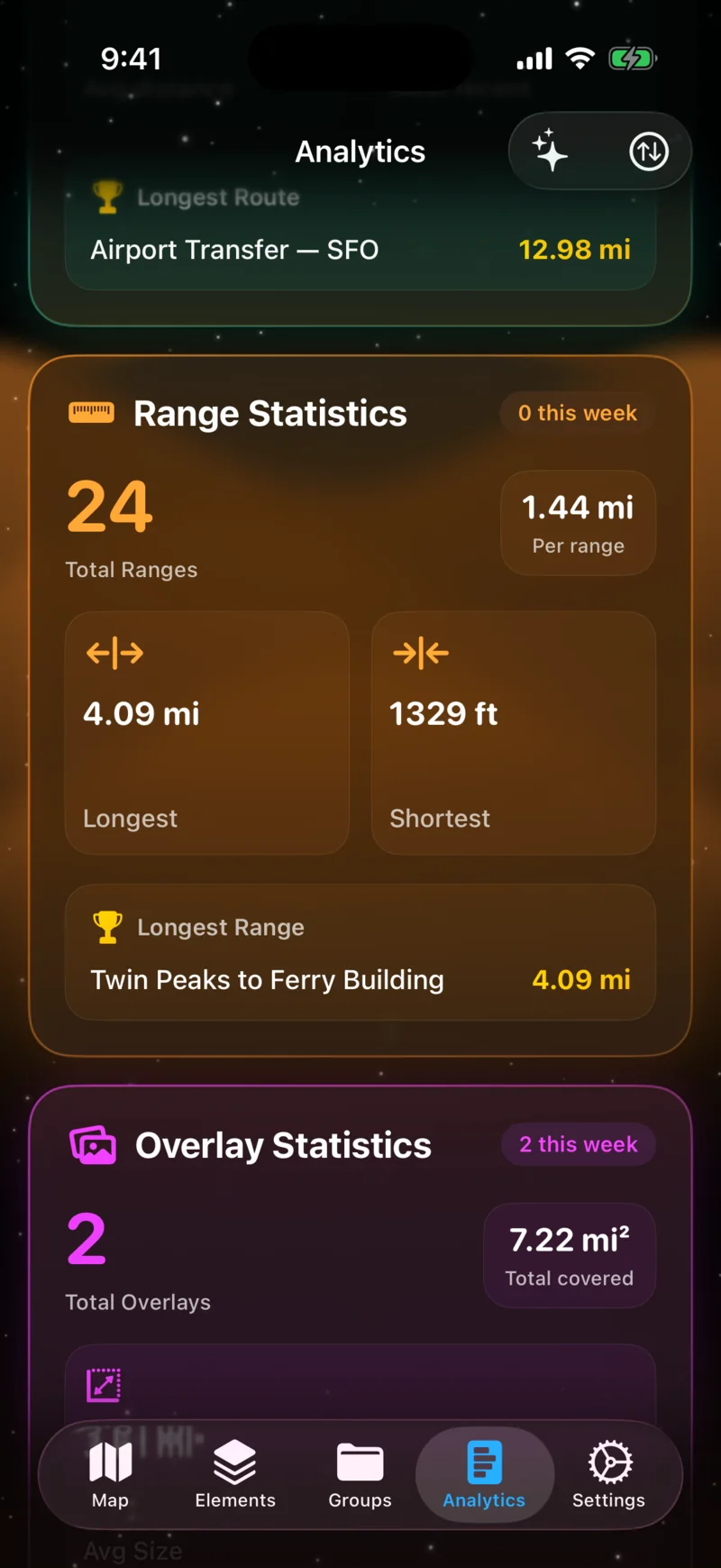
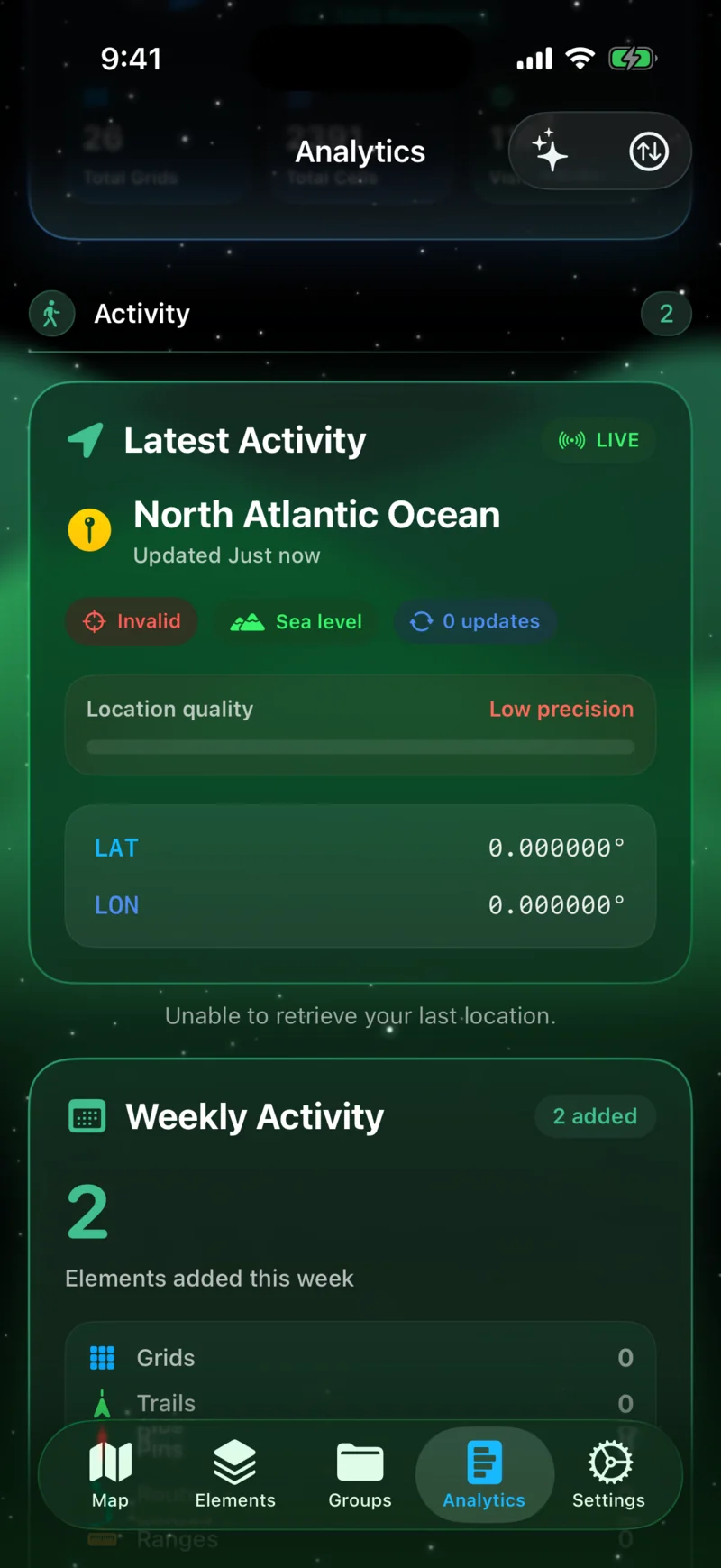
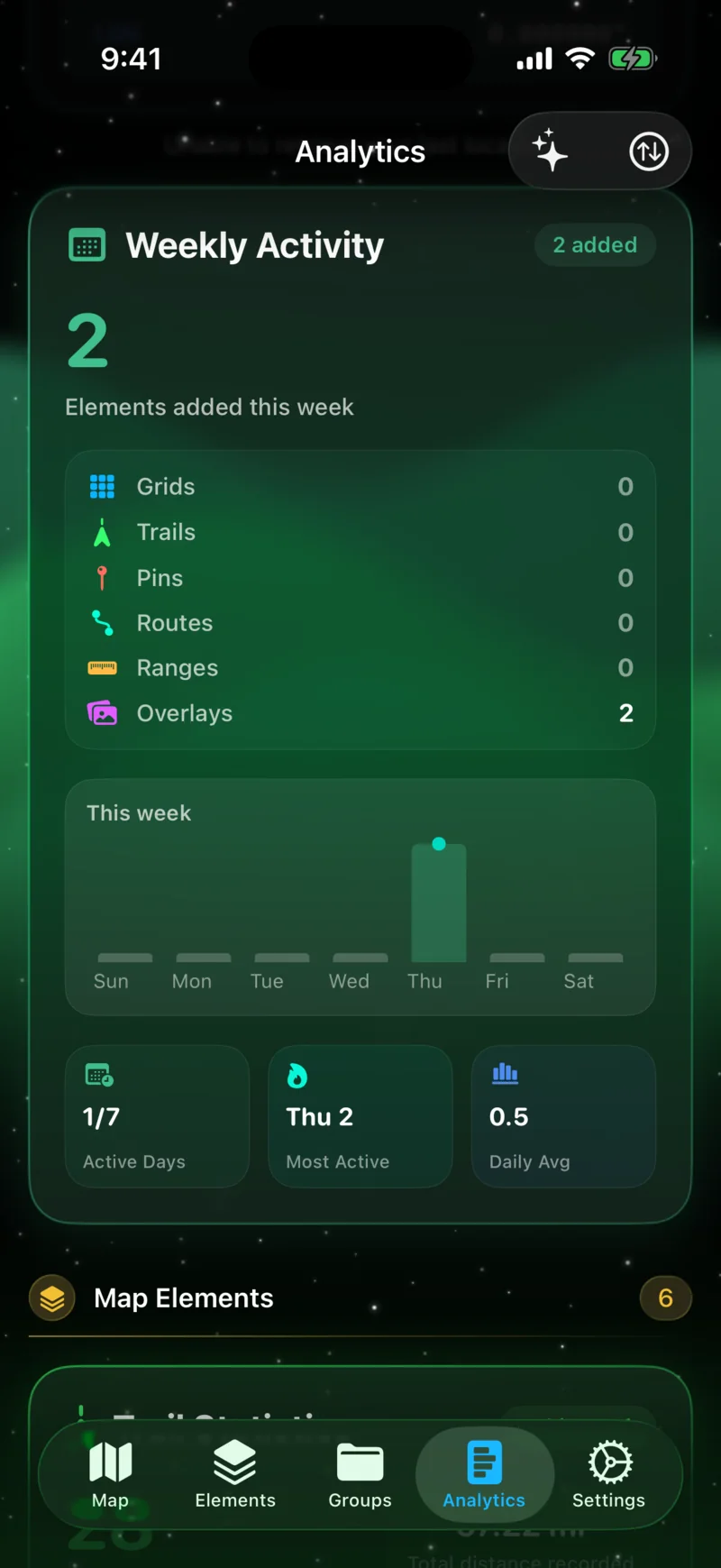
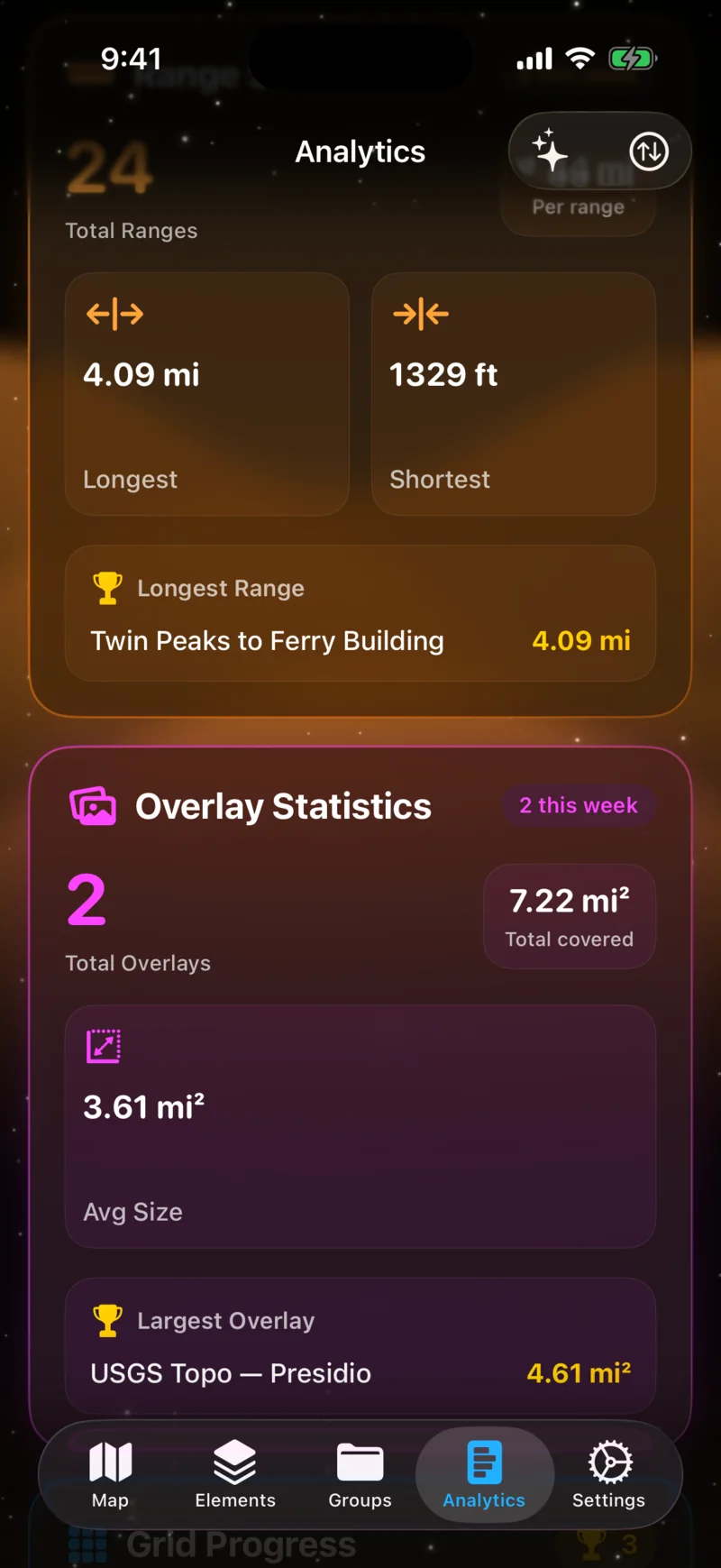
A customizable dashboard with 11 card types — collection progress, daily activity, trail stats, fitness data from Apple Health, and more. Reorder and toggle cards to build the view that matters to you.

Dashboard Overview
Dashboard Overview
Stats Cards
Stats Cards

Photos on Map

Your photos, right where you took them.

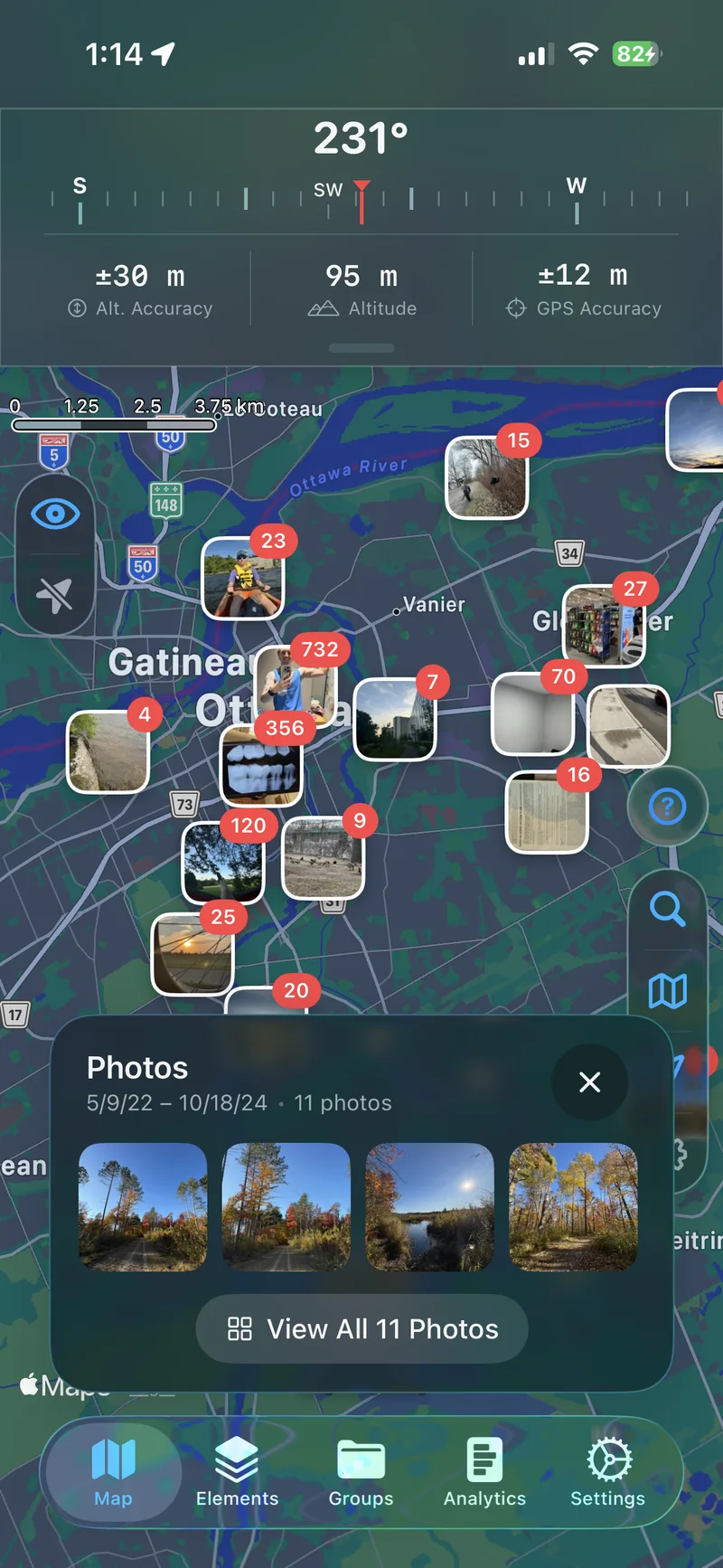
Display geotagged photos from your library directly on the map. Photos cluster automatically at wider zoom levels and expand as you zoom in.

Photo Clusters
Photo Clusters
Photo Detail
Photo Detail

Tags, Groups & Sharing

Organize everything. Share what you want.

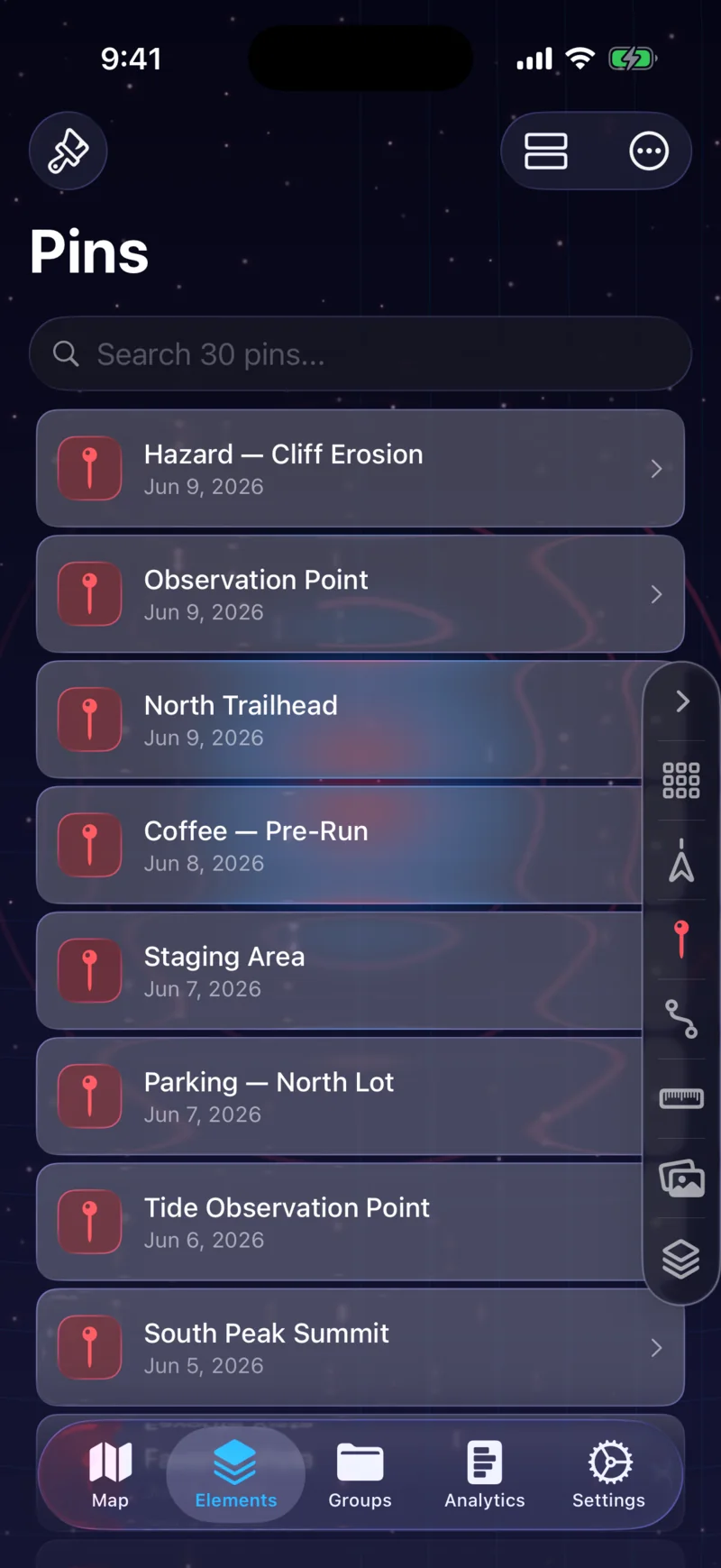
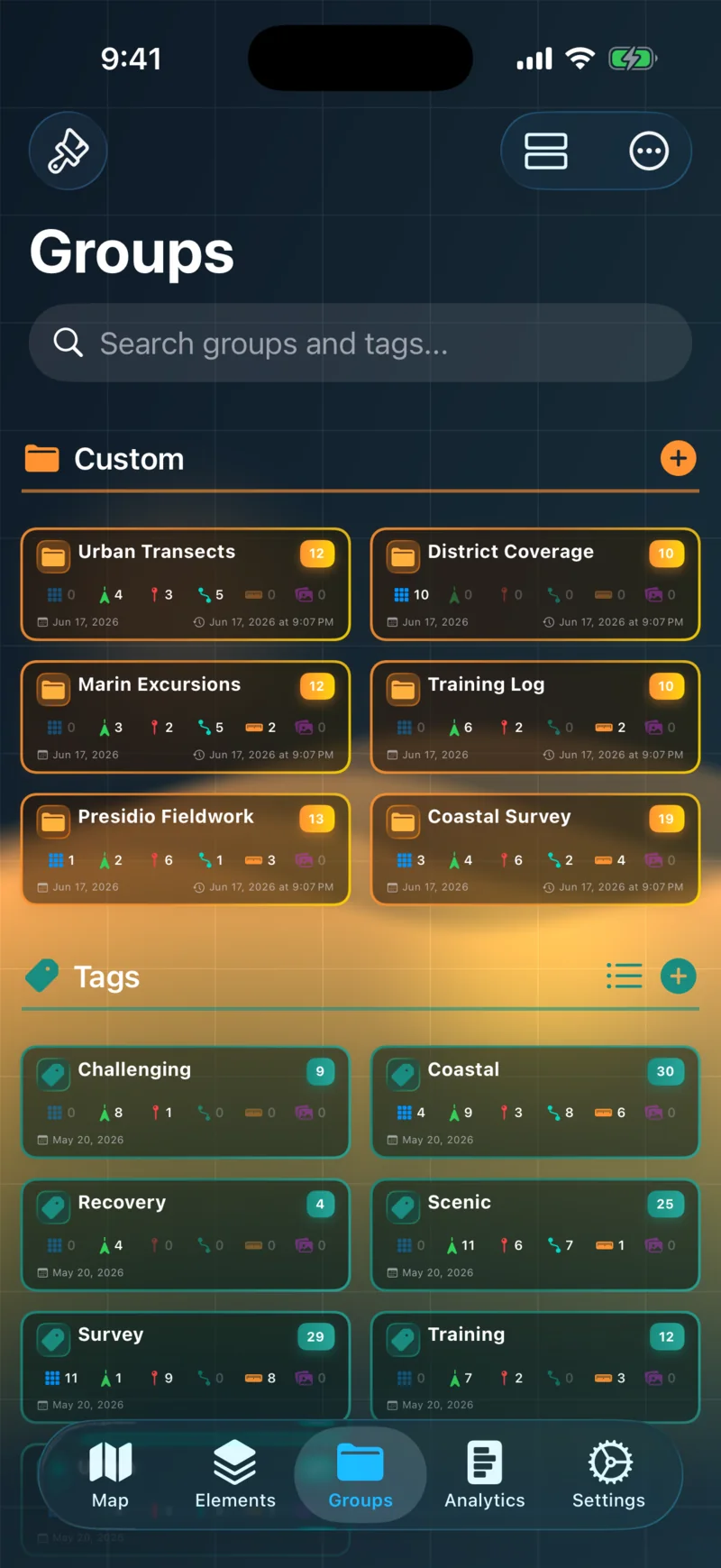
Tag and group grids, trails, pins, routes, ranges, and overlays however you like. Share any element with friends through iCloud — they get a read-only copy synced to their device.

Tags & Groups
Tags & Groups
Sharing
Sharing

Specifications.

  • Version1.0
  • PlatformsiOS 26+
  • Size~50 MB
  • LanguagesEnglish, French, German, Italian, Japanese, Chinese, Korean
  • Coordinate formatsDD · DDM · DMS · UTM · MGRS
  • Export formats.mapdata · .gpx · .kml/.kmz
  • PrivacyNo trackers. No analytics. No third parties.
  • PriceFree to download · Premium subscription

Support.

Questions, bug reports, or feature requests — I read and reply to every message. Typical response within 24 hours.

Map more. Miss less.

GPS Mapper is a free download with optional Pro features. Built by one person in Ottawa.